Featured
How to Sign a Letter of Recommendation (Online or by Hand)
Where the signature goes on a recommendation letter, how to sign it electronically without printing, and when a programme still needs wet ink.
Read More
Guides, tips and answers on signing documents online — from e-signature basics to getting the most out of Docsigns.
Where the signature goes on a recommendation letter, how to sign it electronically without printing, and when a programme still needs wet ink.
Read More
A wet signature is ink on paper. Here is how it differs from an e-signature, which documents still need one, and how to check first.
Read More
Sign a PDF in Firefox with its built-in signature tool, or use a free signer when the button is missing or you need a date or Word file.
Read More
Sign a PDF without leaving Chrome: use the PDF viewer's Draw tool for a quick freehand mark, or a free browser signer for a typed, dated signature.
Read More
Practical tricks to draw a smooth signature with a mouse or laptop trackpad, the settings worth changing, and what to do when drawing just won't work.
Read More
Sign a PDF in Microsoft Edge with the built-in Draw tool, or get a typed, uploaded or movable signature for free. Step-by-step for Windows and Mac.
Read More
Download the PDF from Drive, sign it in your browser, and upload the signed copy back as a new version. Desktop and phone steps, no add-on needed.
Read More
Sign a letter of intent online in minutes: add your signature and date, download the PDF, and know which LOI clauses can bind you first.
Read More
Got a PDF to sign in a WhatsApp chat? Save it, sign it in your phone's browser, and send it back as a Document. Android, iPhone and desktop steps.
Read More
Fill in a W-9, sign and date Part II online, and send it back without printing. What the signature certifies and how to protect your SSN.
Read More
Sign a contract addendum or amendment online in minutes: what to check first, how to sign and date it, collecting several signatures, and what to keep.
Read More
What to check in your employment contract before you sign, then how to sign it electronically for free and send it back to HR.
Read More
Got a liability waiver as a PDF or Word file? Sign it online in minutes without printing, sign for your child, and know what to check first.
Read More
Sign a purchase order online in a minute: add your signature and date, download the PDF, send it back. Plus what to check on a PO before you sign.
Read More
Sign a letter, form or contract for someone else the right way: your own signature, clear wording like p.p., written permission, and when you need a power of attorney.
Read More
Sign a freelance contract online in minutes, handle two signatures without a printer, and check scope, payment and IP clauses before you sign.
Read More
Fill it in, sign and date it, and send the signed PDF back from your phone or laptop. Plus co-applicants, guarantors and what to check first.
Read More
The right closing, where the signature goes, and how to add a handwritten signature to a cover letter PDF or Word file for free, without printing.
Read More
Accept a contractor's quote by signing it online: what to check first, how to add your signature and date, and what to send back and keep.
Read More
Fill in your hours, save as PDF, add your signature and date, send it back. A weekly timesheet routine that never needs a printer.
Read More
Sign a bill of sale online in minutes, get both buyer and seller signatures, and check first whether your sale needs a notary or ink signature.
Read More
PDF signature field asking for a Digital ID? Learn when a visible signature is enough, how to place one over the box, and when you truly need a certificate.
Read More
Resigning by email? Here's whether your letter needs a signature, how to sign it online in a few minutes, and what to send with it.
Read More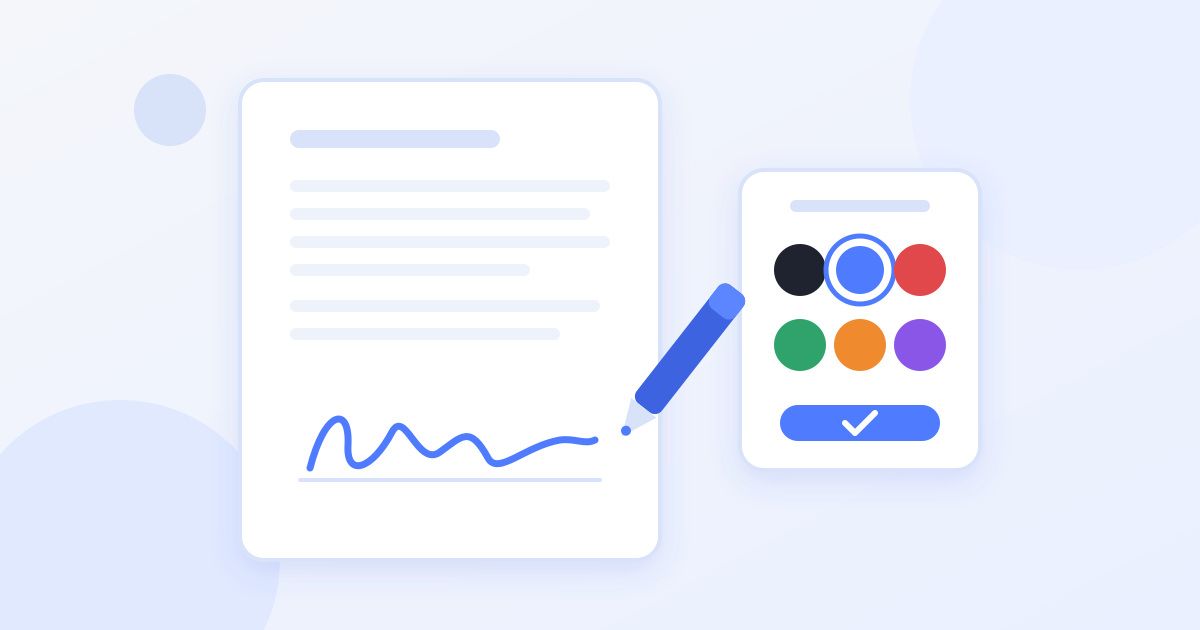
A form says sign in blue ink? Here is why that rule exists, whether it applies to e-signatures, and how to sign a PDF in blue without printing.
Read More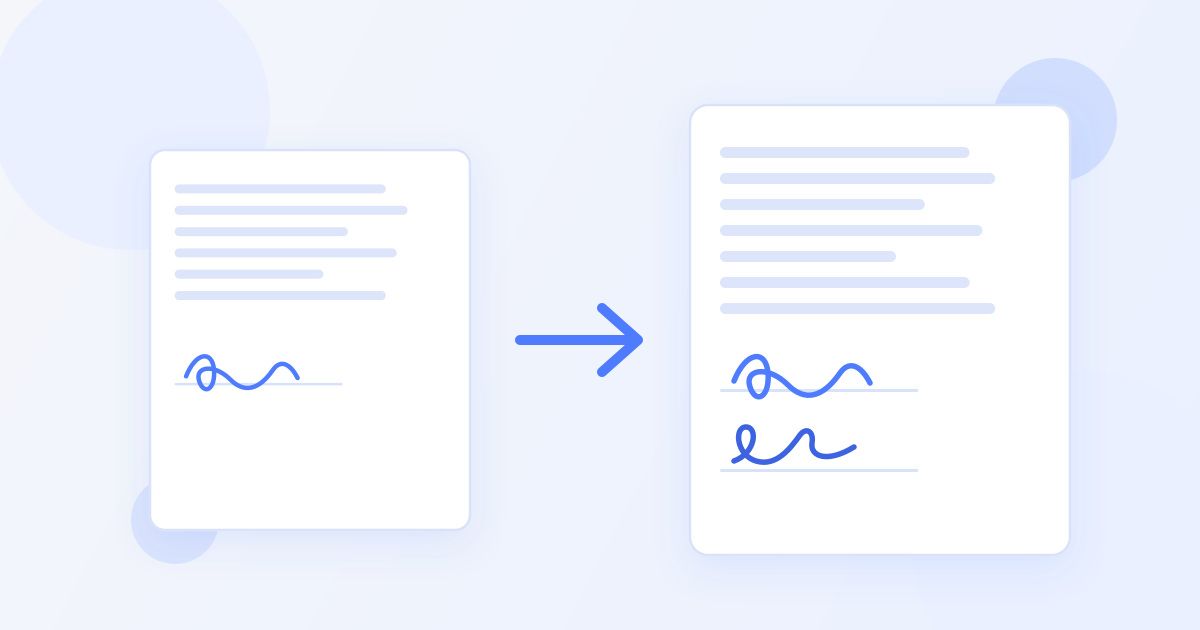
Two people need to sign the same agreement. Here is how to get both signatures onto one PDF for free, in the right order, without printing or scanning anything.
Read More
A scan is already digital, so there is no need to print it. Here is how to add a signature and date to a scanned PDF for free, and what to fix before you sign.
Read More
Sign a PDF on any Linux distro from the browser in a minute, plus the desktop alternatives (Xournal++, LibreOffice Draw, Okular) and when you need a certificate.
Read More
Sign an invoice electronically for free: add your signature and date to a PDF or Word invoice, who should sign it, and what a signed invoice must include.
Read More
Sign a school permission slip or consent form on your phone or computer without printing: fill it, sign it, date it and send it back in minutes.
Read More
Got a job offer as a PDF or Word file? Check it, sign and date it online, and send it back the same day, without printing or creating an account.
Read More
Create your initials once, place them on each page, then sign the last one. A free, no-account method for leases and contracts that ask you to initial every page.
Read More
Two free ways to sign a PDF on an iPad with your finger: Docsigns in Safari (draw, type or upload, add a date) or the built-in Markup tool. No app, no account.
Read More
Sign a non-disclosure agreement in about two minutes without printing. Plus the five clauses worth reading first and what to do once you send it back.
Read More
Three ways to sign a Google Doc: the built-in Drawing tool, a signature image, or downloading it as a PDF and signing that — and when each one is right.
Read More
Windows has no real PDF signing tool. Here is the fastest free way to sign a PDF on Windows 10 or 11 in your browser, plus what Edge's Draw tool can't do.
Read More
Drawing, typing and uploading a signature are equally valid — but each fails in its own way. How to pick the right one for your device and document.
Read More
Two free ways to sign a PDF on a Mac without Acrobat: Preview, already installed, or a browser signer that also handles Word files.
Read More
Chromebooks have no Acrobat and no desktop Word. Here is how to sign a PDF or Word document on Chrome OS in your browser, free and without extensions.
Read More
Someone emailed you a contract to sign. Here is the fastest way to sign the attachment and reply with it — no printer, no scanner, no account, no app to install.
Read More
Sign a tenancy agreement from your phone or laptop in about five minutes. The steps, the fields tenants forget, what to read before signing, and what to do next.
Read MorePrinting, signing and scanning a PDF wastes time and gives you a worse file. Here is how to sign the document itself in your browser — and what actually matters once it is signed.
Read More
Learn how to sign a PDF online for free in about a minute: upload the file, draw or type your signature, place it, and download. No signup, no watermark.
Read More
Create a digital signature for your documents in under a minute: draw it, type it in a handwriting font, or upload an image — then save and reuse it free.
Read More
Electronic signature vs digital signature: one shows intent to sign, the other is cryptographic proof. See the key differences, laws, and which one you need.
Read More
You can add a signature to a PDF without Adobe Acrobat: a free browser tool lets you draw, type, or upload a signature in about a minute — no install, no fees.
Read More
Learn how to sign documents online securely: local in-browser signing vs uploads, HTTPS, privacy checks, and a practical checklist before trusting any tool.
Read More
An honest comparison of the best free PDF signature tools in 2026: what is truly free, which add watermarks or signups, and how each handles your privacy.
Read More
Add a date and signature to PDF documents in minutes: step-by-step instructions, a date-format table, precise placement tips, and why the date really matters.
Read More
Sign documents on mobile in minutes: the browser flow for any phone, finger-drawing tips, typed signatures for small screens, plus iOS app and Android options.
Read More
Learn how to sign a contract electronically: a pre-signing review checklist, the sign-and-return workflow, placement conventions, and safe storage tips.
Read More
Are electronic signatures legally binding? In most countries, yes — with conditions. ESIGN, UETA, and eIDAS explained, plus exceptions and defensibility tips.
Read More
Upload a signature image and place it in any PDF: capture a clean signature, prep the photo, choose PNG vs JPG, then resize, position, and reuse it for free.
Read More
Sign Word documents online without Microsoft Word: upload DOC or DOCX, it converts to PDF, you sign in the browser and download. Steps and formatting tips.
Read More
Learn how to sign PowerPoint presentations the right way: export your deck to PDF, add your signature free with Docsigns, and share a file nobody can reshuffle.
Read More
Practical ways to protect signed PDF from editing: flattening, password restrictions, certificate signatures, hashes and PDF/A — what each really guarantees.
Read More
Everything about electronic document signing: how it works, signature methods, formats, legality, security, mobile signing and a free step-by-step workflow.
Read More
Three honest ways to sign PDF on iPhone: the Docsigns iOS app, Safari with no install, or Apple's built-in Markup — with steps and a comparison of each route.
Read More
Learn how to sign PDF on Android in under two minutes using your mobile browser. Free steps, finger-drawing tips, and honest looks at Drive and Adobe options.
Read More
Sign documents without printing anything: the full paperless flow, a time and cost comparison vs the print-sign-scan ritual, and when wet ink is still needed.
Read More
An honest buyer's guide to Adobe Sign alternatives: DocuSign, Dropbox Sign, PandaDoc, SignNow, Smallpdf and Docsigns compared by price, features, and user type.
Read More
What free e-signature software really costs: a truth-table of free tiers, document limits, and signup walls across Docsigns, DocuSign, Dropbox Sign and more.
Read More