Electronic Signature vs Digital Signature: Key Differences
The two terms get used interchangeably in emails, contracts, and even software marketing — but electronic signature vs digital signature is not a style question. They name two different things, and knowing which one a document requires can save you from buying software you do not need, or from signing in a way a counterparty will not accept.
Here is the short version. An electronic signature is any electronic mark made with the intent to sign — a drawn squiggle, a typed name, a click on "I agree". A digital signature is a specific cryptographic technique that uses certificates and key pairs to mathematically prove who signed a file and that it has not changed since.
This guide unpacks both, compares them side by side, explains when each is required, and covers the legal frameworks — plus an honest note on where a tool like Docsigns fits and where it does not.
Electronic signature vs digital signature: the short answer
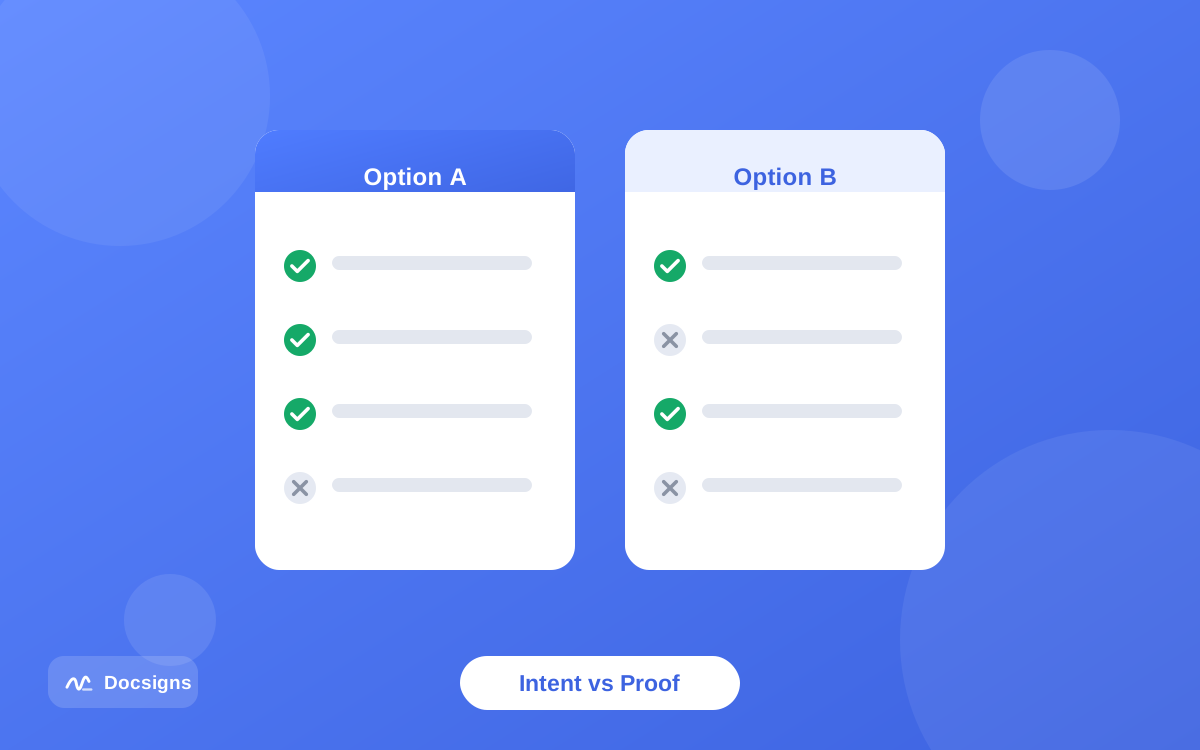
Think of it this way: "electronic signature" is a legal concept — it describes what the mark means (you intended to sign). "Digital signature" is a technology — it describes how a file can be sealed and verified with cryptography.
The two are not rivals; they operate at different layers. A digital signature can be used as the technical backbone of an electronic signature, adding cryptographic proof of identity and integrity underneath the legal act of signing. But most electronic signatures in daily life — the ones on leases, invoices, and permission forms — involve no cryptography at all, and are legally recognized anyway.
An analogy that holds up well: an electronic signature is like signing a letter, while a digital signature is like sealing the envelope with a tamper-evident seal that also carries your verified ID. You can do either without the other — and for most letters, the signature alone is exactly what the recipient expects.
What is an electronic signature?
An electronic signature is data in electronic form, attached to or associated with a document, used by a person with the intent to sign. That definition — deliberately broad — comes from the major e-signature laws, and it covers far more than a handwritten-looking scribble.
All of these count as electronic signatures when made with intent to sign:
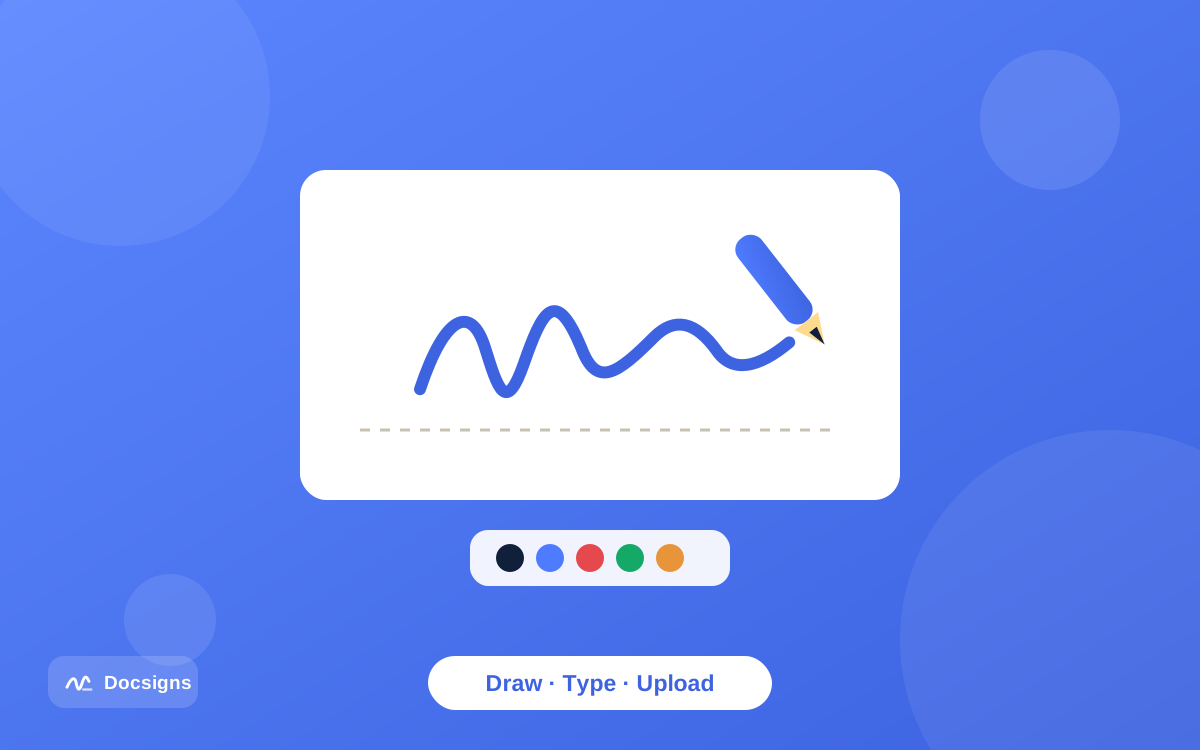
- A signature you draw with a mouse or finger on a signature pad.
- Your name typed in a handwriting font and placed on the signature line.
- An uploaded image of your pen-on-paper signature placed on a PDF.
- Clicking "I accept" or "Sign" on a terms-of-service page.
- Typing your name at the end of an email that says you agree.
The first three are exactly what signing tools produce — see how to create a digital signature for documents for how the draw, type, and upload methods work in practice, and how to sign a PDF online for free for the full signing walkthrough. What makes them signatures is not the technology; it is your intent, expressed electronically.
What is a digital signature?
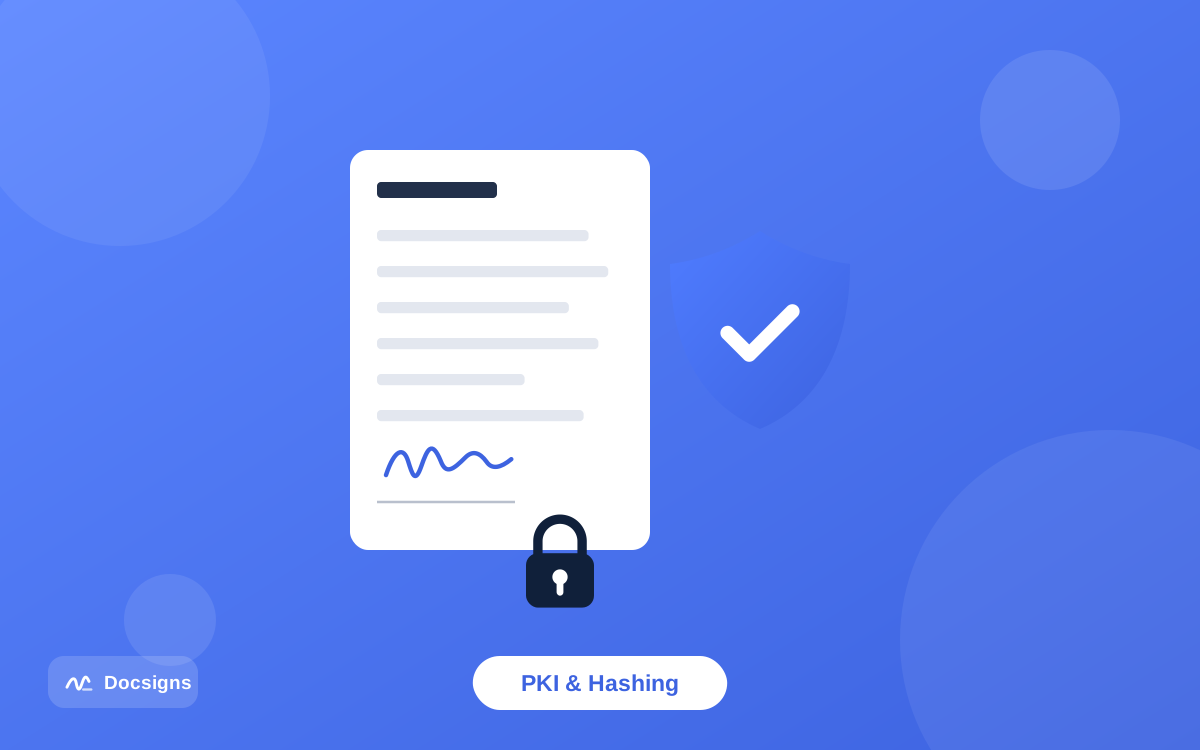
A digital signature is a cryptographic mechanism built on public key infrastructure (PKI). Instead of placing a visual mark, the signer's software performs a mathematical operation that binds their identity to the exact contents of the file. Often there is nothing handwritten-looking on the page at all — the "signature" lives in the file's data and is checked by software.
How the cryptography works
The process runs in four steps, all handled automatically by certificate-based signing software:
- Hashing. The software computes a hash — a unique digital fingerprint — of the document. Change even one character and the hash changes completely.
- Signing. The hash is encrypted with the signer's private key, a secret key that only the signer holds.
- Attaching the certificate. A digital certificate, issued by a trusted certificate authority after verifying the signer's identity, is embedded with the signature.
- Verification. Anyone opening the file can use the signer's public key to check the math: if the recomputed hash matches, the document is untouched and the certificate says who signed it.
The result is two guarantees a visual signature cannot make on its own: authentication (the certificate ties the signature to a verified identity) and integrity (any change to the document after signing breaks the verification). That is why regulated and high-stakes contexts sometimes require this kind of signature specifically.
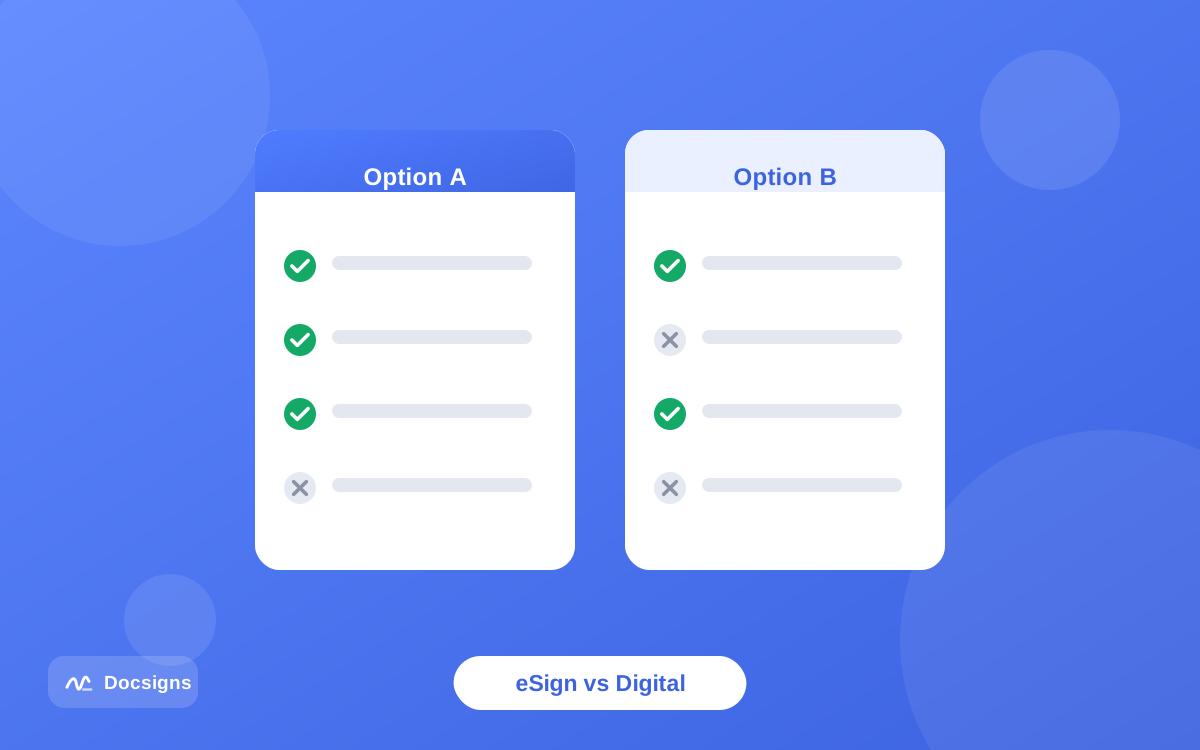
Electronic signature vs digital signature: side-by-side comparison
| Electronic signature | Digital signature | |
|---|---|---|
| What it is | Any electronic mark made with intent to sign | A cryptographic technique using PKI |
| Category | Legal concept | Technology |
| What it proves | Intent to sign | Signer identity (via certificate) and document integrity |
| Looks like | Drawn, typed, or uploaded signature on the page | Often invisible; verified by software, sometimes shown as a seal |
| Requires | A signing tool and your intent | A certificate from a certificate authority, PKI software |
| Cost and effort | Free tools exist; ready in seconds | Certificate issuance, identity verification, usually paid |
| Typical uses | Leases, offers, invoices, NDAs, consent forms | Government filings, regulated industries, EU qualified signatures |
| Legal basis | ESIGN, UETA, eIDAS (all e-signature tiers) | eIDAS advanced/qualified tiers, sector-specific rules |
One nuance worth repeating: under eIDAS, digital-signature technology is what raises an electronic signature to "advanced" or "qualified" status. So a qualified electronic signature is an electronic signature that is implemented with digital-signature cryptography — the categories nest rather than compete.
When is each one required?
This is the question with practical stakes: pick wrong in one direction and you pay for certificates you never needed; pick wrong in the other and your signature gets rejected. Fortunately, the split is clean.
Electronic signature vs digital signature for everyday paperwork
For the overwhelming majority of day-to-day documents, a plain electronic signature is all anyone expects: employment offers, freelance contracts, rental agreements, invoices, school forms, NDAs. The counterparty wants your visible signature and your intent — not a certificate chain. If you are signing a contract electronically, a drawn or typed signature placed on the document is the standard practice.
When a certificate-based digital signature is required
Some contexts specifically demand cryptographic signatures. Common examples:
- EU qualified electronic signatures (QES) — certain cross-border and government procedures under eIDAS require the qualified tier, which is certificate-based by definition.
- Government and court filings in some countries and agencies that mandate certificate-backed submissions.
- Regulated industries — some pharmaceutical, financial, and public-procurement workflows specify digital signatures in their compliance rules.
- Counterparty policy — occasionally a company simply requires certificate-based signing; the contract or instructions will say so explicitly.
The practical test: if nobody has told you a certificate is required, it almost certainly is not. Requirements for digital signatures are always explicit, because they cannot be met by accident.
The legal frameworks: ESIGN, UETA, and eIDAS
In the United States, the federal ESIGN Act (2000) and the state-level UETA establish that a signature cannot be denied legal effect solely because it is electronic. Neither law requires any particular technology — a typed name with intent to sign can satisfy them.
In the European Union, the eIDAS regulation goes further by defining three tiers: simple electronic signatures (any electronic mark with intent), advanced electronic signatures (uniquely linked to the signer and tamper-evident, typically via digital-signature technology), and qualified electronic signatures (advanced signatures backed by a qualified certificate, legally equivalent to handwritten signatures across the EU).
Two takeaways: simple electronic signatures are legally recognized on both sides of the Atlantic for most transactions, and the higher eIDAS tiers are where digital-signature cryptography becomes mandatory. A short disclaimer applies to all of it: this is general information, not legal advice — requirements vary by jurisdiction and document type, and are electronic signatures legally binding covers the details, exceptions included.
Where Docsigns fits — an honest answer
Docsigns is an electronic signature tool. It lets you draw, type, or upload a signature, place it precisely on PDF and Word documents, add dates, and download or share the result — free, with no signup and no watermark. PDFs are rendered and signed entirely in your browser and never touch a server, which is a genuine privacy advantage covered in how to sign documents online securely.
What Docsigns does not do: certificate-based digital signatures. There is no X.509 certificate, no cryptographic seal, no eIDAS qualified tier. If a document explicitly requires those, use a dedicated PKI signing tool or a qualified trust service provider.
One related detail: the signed PDF you download from Docsigns has flattened pages — each page becomes an image — which makes casual text-editing of the signed content impractical. That is a practical deterrent, not cryptographic integrity protection; how to protect signed PDF documents from editing explains the difference and what each approach actually guarantees.
Common misconceptions
- "Digital signature is just the modern word for e-signature." No — it names a specific cryptographic technique. Marketing copy blurs this constantly.
- "Electronic signatures aren't legally valid without cryptography." False for most transactions: ESIGN, UETA, and eIDAS all recognize simple electronic signatures.
- "A digital signature shows who signed on the page." Often it shows nothing on the page; the proof lives in the file's data and is checked by software.
- "A scanned signature image is a digital signature." It is an electronic signature. No certificate, no cryptography — and for everyday documents, that is fine.
- "More cryptography is always better." Certificate signing adds cost and setup. For a lease or an NDA, it solves a problem nobody asked you to solve.
If you take one habit from this list: when a document arrives, look for explicit signing instructions. "Sign and return" means an electronic signature. "Sign with your qualified certificate" means a digital signature. The paperwork always tells you which world you are in.
Electronic signature vs digital signature: what to remember
The electronic signature vs digital signature question comes down to one distinction: intent versus proof. An electronic signature is your intent to sign expressed electronically — legally recognized for most documents. A digital signature is cryptographic machinery that proves identity and integrity — required only when a law, regulator, or counterparty explicitly says so.
For the documents most of us actually sign — contracts, forms, agreements, letters — an electronic signature is the right tool, and it should not cost you anything. Upload your document, sign it in your browser, and keep your file private while you do it: sign your document now with Docsigns, free.
Frequently asked questions
What is the main difference between an electronic signature and a digital signature?
An electronic signature is any electronic mark made with intent to sign — drawn, typed, or clicked. A digital signature is a cryptographic technique using certificates and key pairs that proves who signed a file and that it has not been altered. One is a legal concept; the other is a technology.
Is a digital signature more legally valid than an electronic signature?
Not for most documents. ESIGN, UETA, and eIDAS recognize simple electronic signatures for the vast majority of transactions. Digital signatures matter where a specific law, regulation, or counterparty requires cryptographic proof — such as eIDAS qualified signatures in the EU.
Can an electronic signature also be a digital signature?
Yes — the categories nest. When digital-signature cryptography is used to implement an electronic signature, you get an advanced or qualified electronic signature under eIDAS. Most everyday electronic signatures, however, involve no cryptography at all.
Do I need a digital signature for a normal contract?
Almost never. Leases, job offers, NDAs, invoices, and similar documents are routinely signed with plain electronic signatures. Requirements for certificate-based signatures are always stated explicitly, because they cannot be met by accident.
Does Docsigns provide digital signatures?
Docsigns provides electronic signatures: draw, type, or upload a signature and place it on PDF or Word documents, free and without signup. It does not issue certificate-based cryptographic signatures — for those, use a dedicated PKI tool or qualified trust service provider.
What is a qualified electronic signature (QES)?
Under the EU eIDAS regulation, a QES is an advanced electronic signature created with a qualified certificate and a qualified signature-creation device. It is legally equivalent to a handwritten signature across the EU and always relies on digital-signature cryptography.
How can I tell if a PDF has a digital signature?
Open it in a PDF reader that supports signature validation, such as Adobe Acrobat Reader — verified cryptographic signatures show a validation panel or seal. A signature that only appears as an image on the page with no validation panel is an electronic signature.
Is a scanned image of my signature an electronic or a digital signature?
An electronic signature. Placing an image of your handwritten signature on a document expresses intent to sign, but involves no certificates or cryptography, so it is not a digital signature in the technical sense.