How to Sign a Contract Electronically
Freelancers and small-business owners sign more contracts than almost anyone else: client agreements, NDAs, statements of work, vendor terms, lease renewals. Knowing how to sign a contract electronically means you can close a deal the same afternoon the terms are agreed, instead of losing days to the print-sign-scan-email loop.
This guide covers the whole flow, not just the click-to-sign part. You will learn what to check before you put your name on anything, how the sign-and-return workflow actually works between two parties, where signatures, initials, and dates conventionally go, and how to store the signed copy so you can still find it two years from now.
Everything here works with Docsigns, a free tool that signs PDF, DOC, and DOCX files directly in your browser. There is no signup and no watermark, and PDFs never leave your device — they are rendered and signed entirely client-side.
What it means to sign a contract electronically
When you sign a contract electronically, you apply a mark — drawn with a mouse or finger, typed in a handwriting-style font, or uploaded as an image — to a digital document, with the intent to be bound by its terms. Intent is the key ingredient. The law in most jurisdictions cares less about how the mark was made and more about whether you meant it as your signature.
An electronic signature is not the same thing as a certificate-based digital signature, which uses cryptography to bind an identity to a document. For most everyday contracts between freelancers, clients, and small businesses, a standard electronic signature is what gets used and accepted. If you want the full distinction, read our guide on electronic signatures versus digital signatures.
Frameworks like the U.S. ESIGN Act and UETA, and eIDAS in the EU, give electronic signatures legal recognition for most commercial agreements. We cover the details, tiers, and exceptions in our guide on whether electronic signatures are legally binding.
Review before you sign: the pre-signature checklist
The speed of electronic signing is a double-edged sword. Because signing takes thirty seconds, it is tempting to skip the reading part. Do not. Work through this checklist every time, even with clients you trust:
- Confirm the parties. Check the legal names at the top of the contract. If you operate as an LLC or limited company, the contract should name the company, not you personally — unless you intend to be personally liable.
- Verify the commercial terms. Rates, deliverables, deadlines, and payment schedule should match what was agreed in writing elsewhere (email, proposal). If the contract says net-60 and you agreed net-30, stop and fix it before signing.
- Read the termination clause. Know how either side can exit, how much notice is required, and what happens to unpaid invoices and unfinished work.
- Check ownership and IP transfer. For creative and development work, confirm when ownership transfers — ideally on full payment, not on delivery.
- Look for auto-renewal and exclusivity. These clauses hide in the middle. An auto-renewing retainer or a broad non-compete can bind you far longer than you expect.
- Scan for blanks. Never sign a document with empty fields. Blank spaces can be filled in later. Write N/A in fields that do not apply.
- Confirm the final version. If terms were negotiated over several drafts, make sure the file you are signing is the last agreed version, not an earlier one with the same file name.
One practical habit: keep the email thread where the terms were negotiated. If a dispute ever arises about what was agreed, that thread plus the signed contract tells the whole story.
How to sign a contract electronically, step by step
Here is the exact flow using Docsigns. The contract can be a PDF or a Word file — DOC and DOCX are converted to PDF by a secure converter before signing, while PDFs are processed entirely in your browser and never uploaded to a server.
- Open Docsigns in any modern browser — Chrome, Safari, Firefox, or Edge, on desktop or mobile.
- Upload the contract (PDF, DOC, or DOCX). Multi-page contracts are fully supported, and you can zoom in to read the fine print.
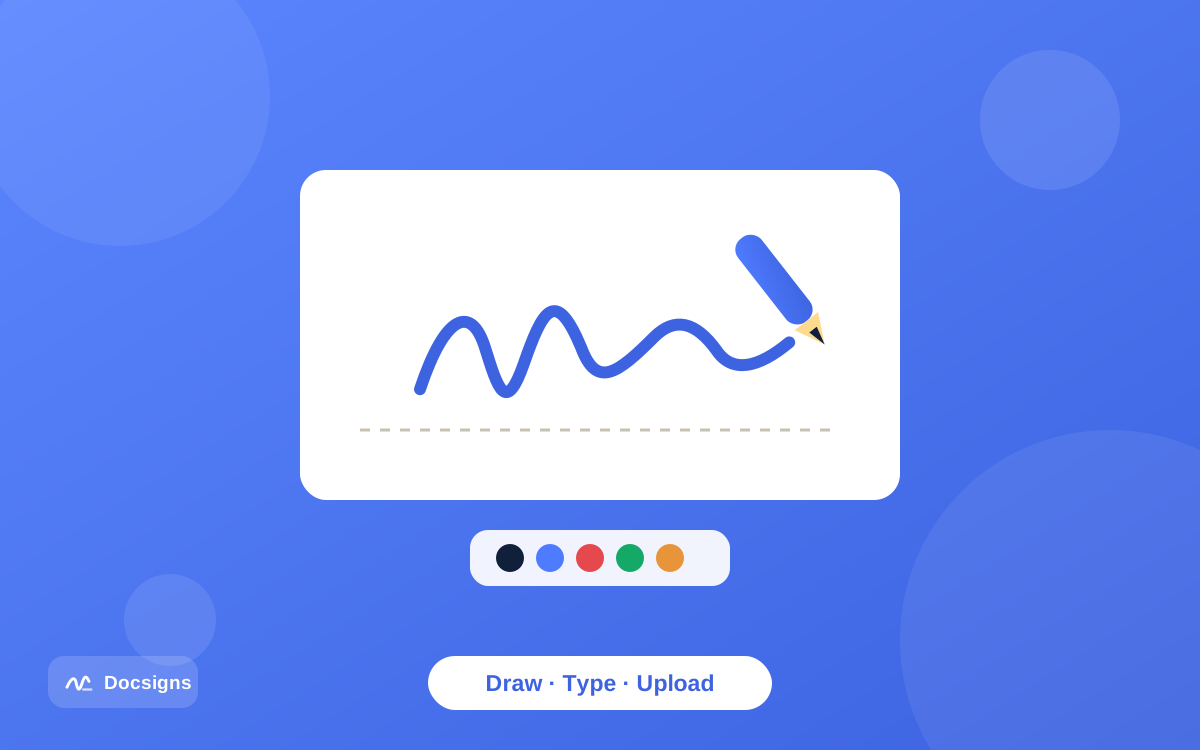
- Create your signature: draw it with a mouse or finger, type your name and pick one of six handwriting fonts (Classic, Casual, Fine, Elegant, Relaxed, or Marker), or upload an image of your real signature.
- Drag the signature onto the signature line. Resize and rotate it until it sits naturally — it should rest on the line, not float above it or cover the printed text.
- Add the date next to your signature. Docsigns supports multiple formats, such as June 11, 2026 or 2026-06-11, so you can match whatever style the contract already uses.
- Add initials to any pages that require them (more on placement conventions below).
- Download the signed contract. The file keeps its original name, and the output is a flattened PDF, which makes casual editing of the signed content impractical.
If you are signing from a phone — say a client sends the contract while you are traveling — the same flow works on mobile. See our guide on signing documents on mobile devices for the finger-drawing technique that produces a clean result.
The sign-and-return workflow between two parties
Most contracts involve two parties, so a fair question is: how does the other side sign? With Docsigns, the workflow is sign-and-return. You sign your copy and send it back; the other party adds their signature the same way on their end. Docsigns is a single-signer tool — it does not send signature requests, route documents between multiple signers, or generate audit trails.
In practice, sign-and-return is how a huge share of freelance and small-business contracts get signed, and it works cleanly in either direction:
- They sign first. The client sends a contract already carrying their signature. You add yours below or beside it, download, and email the fully signed copy back. Both parties keep that final version.
- You sign first. You sign the agreed draft, send it over, and the other party signs their copy using whatever tool they prefer. Ask them to return the version with both signatures so each side holds a complete copy.
- Countersigned templates. Agencies often issue pre-signed engagement letters. You just add your signature and date and return the file — done in a minute.
After downloading, you can send the signed PDF back by email, or share it via a private link straight to WhatsApp, Gmail, or LinkedIn from Docsigns. If your workflow genuinely requires multi-party routing with signature requests and completion certificates, that is a different category of tool — be honest with yourself about whether you need it, because for everyday sign-and-return, a free single-signer tool does the job without accounts or per-envelope fees.
Where everything goes: signature, initials, and date placement
Contracts follow conventions. Putting your marks in the expected places makes the document look professionally executed and avoids follow-up questions from the other side.
| Element | Where it goes | Notes |
|---|---|---|
| Signature | On the signature line in the signature block, usually the last page | Rest it on the line; do not cover the printed name below it |
| Printed name | Beneath the signature line | Usually pre-printed; if not, add it with the type tool |
| Title / role | Under the printed name | Required when signing on behalf of a company (e.g. Director, Owner) |
| Date | Next to or below the signature | Match the date format used elsewhere in the contract |
| Initials | Bottom corner of each page, or beside amended clauses | Shows you saw every page; required by some landlords and lenders |
| Witness block | Separate line near the signature block | Only some documents require it — check the contract text |
Placement tips when you sign a contract electronically
Use the zoom control to place your signature precisely on the line — at 100% zoom it is easy to leave a signature floating awkwardly above it. Size matters too: a signature roughly as tall as two to three lines of the contract text looks natural; a giant signature covering a paragraph looks careless. Docsigns keeps every item at the exact position you placed it in the downloaded PDF, so what you see in the editor is what the other party receives.
Initialing multi-page contracts
If the contract asks for initials on every page, create a second, smaller signature containing just your initials — draw them or type them — and save it to your reusable signature library. Then place it on each page in a few seconds instead of redrawing it ten times. For contracts that also need dates on several pages, our guide on adding a date and signature to PDF documents covers the fastest way to do both.
Storing the signed copy properly
A signed contract only protects you if you can produce it later. Set up a simple storage habit once and it runs itself:
- Keep the fully signed version, the one carrying both signatures — not just your half-signed draft.
- Name files consistently, for example 2026-06-04_ClientName_ServicesAgreement_signed.pdf. Docsigns keeps the original file name on download, so set a good name before you upload.
- Store it in two places: your working folder and a backup (an external drive or your own cloud storage). Docsigns does not store your documents, so the copy you download is the copy that exists.
- Save the confirmation email in which you sent or received the signed copy — the timestamp and thread provide useful context if questions come up later.
- Note key dates such as renewal or termination-notice deadlines in your calendar the day you file the contract.
Because the signed output from Docsigns is a flattened PDF — the pages are images rather than editable text — casual after-the-fact editing of the signed content is impractical, which is exactly what you want in an archived contract. For more on handling sensitive agreements, see our guide on signing documents online securely.
Common mistakes to avoid
- Signing the wrong draft. Version confusion is the most common real-world contract mess. Confirm the final file name and date before signing.
- Leaving fields blank. Empty date fields, blank rate tables, and unfilled party names invite trouble. Complete or strike through everything.
- Forgetting the date. An undated signature raises questions about when the agreement took effect. Add the date every time you sign.
- Only keeping your half-signed copy. Follow up until you hold the version with both signatures.
- Signing as yourself instead of your company. If the contract names your LLC, sign with your title (e.g. Owner) so it is clear you are signing on the company's behalf.
One more: do not print the contract just to sign it. If it arrived as a Word file, you do not need Microsoft Word or a printer — see our walkthrough on signing Word documents online for how DOC and DOCX files are converted and signed in the browser.
Is a contract signed electronically actually enforceable?
For most commercial agreements, yes. The ESIGN Act and UETA in the United States and eIDAS in the European Union establish that a contract cannot be denied validity solely because it was signed electronically. What matters is intent to sign, consent to do business electronically, and a reliable record of the signed document — all of which the workflow in this guide gives you.
There are exceptions (wills and certain family or property documents in some jurisdictions), and none of this is legal advice — requirements vary by jurisdiction and document type, so consult a lawyer for high-stakes agreements. For the full picture, including the EU signature tiers and what makes an e-signature defensible, read our dedicated guide: are electronic signatures legally binding?
Sign your next contract electronically in minutes
The routine is simple once you have done it twice: review with the checklist, sign a contract electronically with a drawn, typed, or uploaded signature, place your marks where convention expects them, return the copy, and file the fully signed version where you can find it.
Docsigns makes every step free — no signup, no watermark, no per-document fees — and private, since PDFs are signed entirely in your browser. Upload your contract and sign your document now, or start with our beginner-friendly guide on how to sign a PDF online for free.
Frequently asked questions
Can I sign a contract electronically for free?
Yes. Docsigns lets you sign contracts in PDF, DOC, or DOCX format free of charge — no signup, no watermark, and no hidden fees. You draw, type, or upload a signature, place it on the signature line, add the date, and download the signed PDF.
How does the other party sign the contract?
Through a sign-and-return workflow: you sign your copy and send it back, and the other party adds their signature on their end the same way. Docsigns is a single-signer tool, so it does not route documents between multiple signers — each party signs and returns their copy.
Where should I place my signature on a contract?
On the signature line in the signature block, usually on the last page, resting on the line rather than covering the printed text. Add the date next to or below it, your title if you sign for a company, and initials on each page if the contract requests them.
Is a contract signed electronically legally binding?
In most countries, yes, for most commercial agreements. Laws like the U.S. ESIGN Act, UETA, and the EU eIDAS regulation recognize electronic signatures, with exceptions such as wills in some jurisdictions. This is general information, not legal advice.
Should I initial every page of a contract?
Only if the contract or the other party requests it — it is common with leases, loans, and heavily negotiated agreements. Create a small initials-only signature, save it to your Docsigns signature library, and place it on each page in seconds.
What if the contract arrives as a Word document?
Upload the DOC or DOCX file to Docsigns. It is converted to PDF by a secure converter, you sign it in the browser, and you download a signed PDF that keeps the original file name — no Microsoft Word required.
How should I store a signed contract?
Keep the fully signed version (with both signatures) under a consistent file name, store it in two places, and save the email thread in which it was exchanged. Docsigns never stores your documents, so the copy you download is the one to archive.