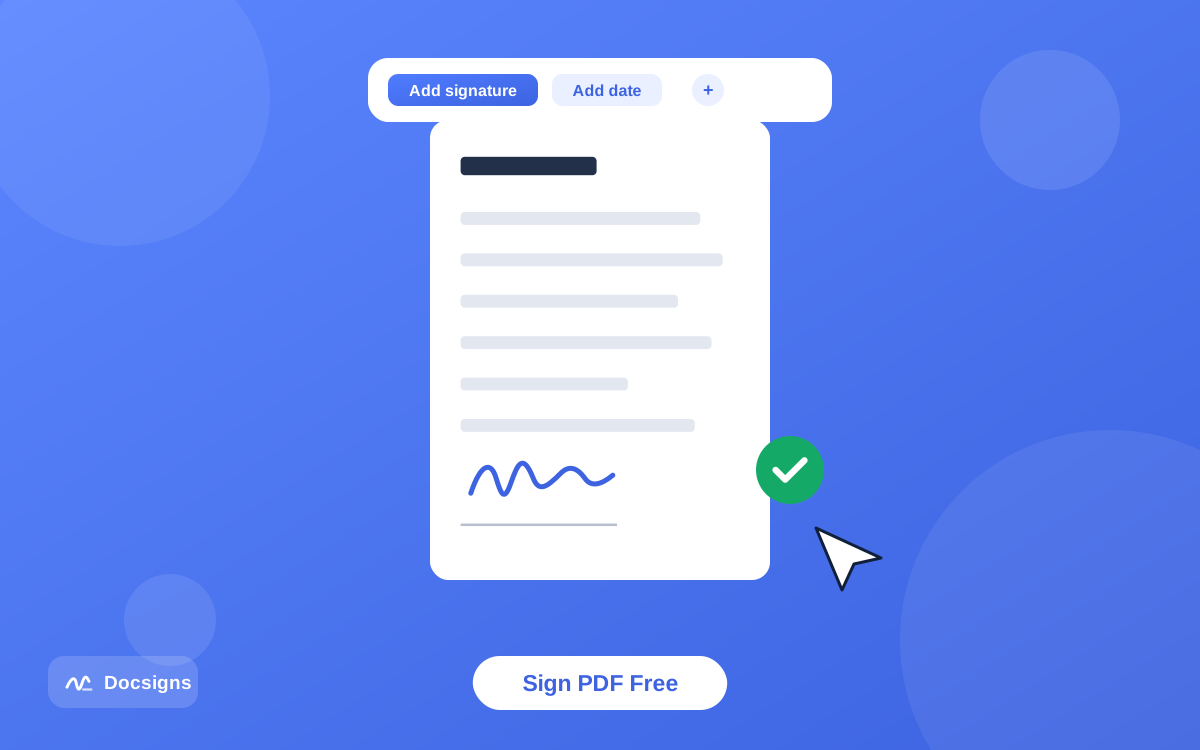
How to Sign a PDF Online for Free
Learn how to sign a PDF online for free in about a minute: upload the file, draw or type your signature, place it, and download. No signup, no watermark.
Read MoreUpload a PDF, Word or DOCX, create your signature, add a date, and download the signed document — right in your browser.
Drag & drop or click to upload — your PDF stays in your browser.
Take Docsigns anywhere with the iOS, Android and macOS app. Upload, sign, date and export documents in seconds, keep a library of reusable signatures, and manage everything in one beautifully simple place.
No software to install and no learning curve. Docsigns makes electronic signatures fast, secure and effortless for everyone.
Drag and drop a PDF, DOC or DOCX file, or browse to select it. PDFs are processed entirely in your browser — nothing leaves your device.
Draw your signature with your mouse or finger, type it in a handwriting-style font, or upload an image. Drag it onto the page, resize, rotate and add today's date or a custom date.
Finish signing and instantly download your signed document, or share it. Multi-page documents keep every signature exactly where you placed it.
Docsigns combines a powerful electronic signature editor with a privacy-first design, so you can fill and sign documents online with total confidence.
Three ways to create a legally-styled electronic signature: hand-draw it, type your name in elegant signature fonts, or upload a photo of your written signature.
Your PDFs are never uploaded or stored on our servers. PDF signing happens locally in your browser, so sensitive contracts stay under your control.
Drop today's date or pick a custom date, then choose from multiple date formats — long, slashed, ISO or dotted — and attach it neatly beside your signature.
Position your signature exactly where it belongs. Drag to move, pull the handles to resize, rotate for the perfect angle, and delete in a tap.
Sign the formats you use every day. Upload PDFs, Word documents and DOCX files and get a polished, signed PDF ready to send.
Once signed, download or share your document in one click. No watermarks, no waiting, no sign-up wall.
Whether you're closing a freelance contract, signing an NDA, approving an invoice or filling out a consent form, Docsigns gives you a frictionless electronic signature experience without compromising your privacy.
Docsigns is a free online document signing tool that lets you upload a PDF, Word or DOCX file, create an electronic signature, add a date, and download or share the signed document in seconds — right from your browser. There's no signup, no watermark and no learning curve, and your PDFs are signed locally so sensitive contracts stay private.
Whether you're closing a freelance contract, e-signing an NDA, approving an invoice or filling out a consent form, Docsigns gives you a fast, secure and professional electronic signature experience on every device — and a free iOS, Android and macOS app to sign documents on the go.
From business contracts to school forms, Docsigns helps you e-sign whatever lands in your inbox.
Sign freelance contracts, service agreements and statements of work without printing or scanning.
Add a binding electronic signature to non-disclosure agreements and other legal paperwork in minutes.
Approve invoices, purchase orders and expense forms and send them back the same minute.
Fill and sign school forms, medical consents, rental applications and waivers from any device.
Guides, tips and answers on signing documents online — from e-signature basics to getting the most out of Docsigns.
Learn how to sign a PDF online for free in about a minute: upload the file, draw or type your signature, place it, and download. No signup, no watermark.
Read More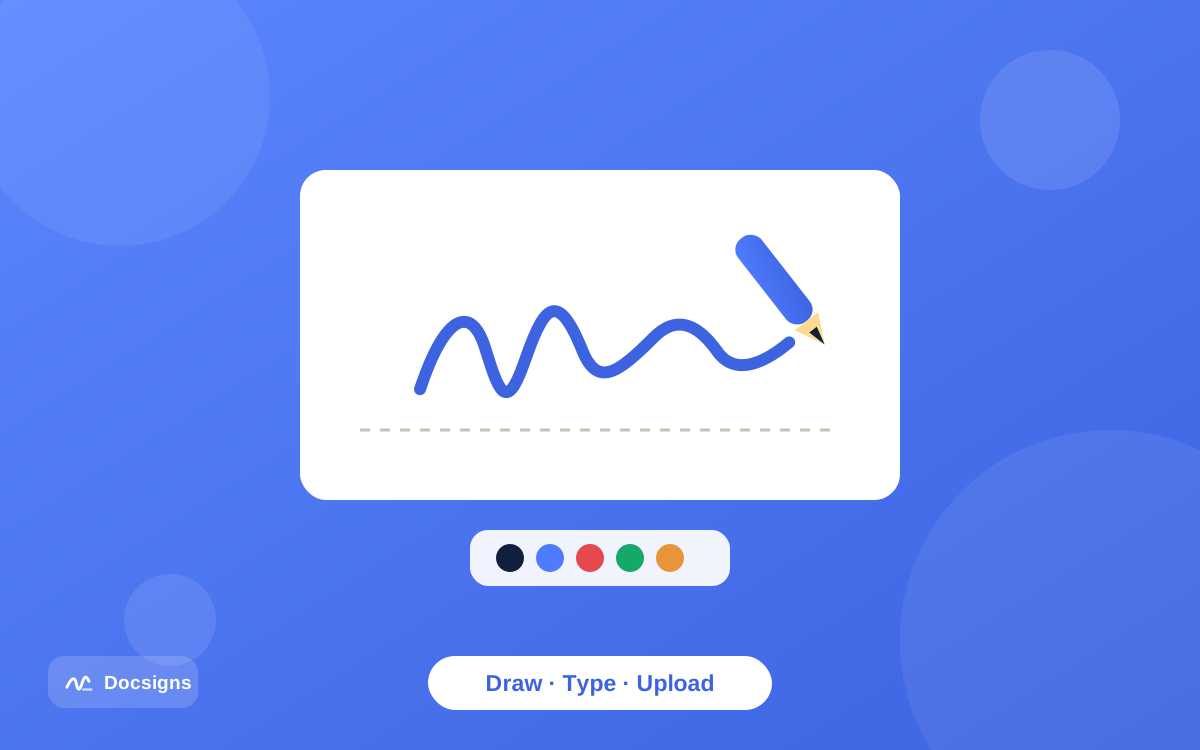
Create a digital signature for your documents in under a minute: draw it, type it in a handwriting font, or upload an image — then save and reuse it free.
Read More
Electronic signature vs digital signature: one shows intent to sign, the other is cryptographic proof. See the key differences, laws, and which one you need.
Read More
You can add a signature to a PDF without Adobe Acrobat: a free browser tool lets you draw, type, or upload a signature in about a minute — no install, no fees.
Read MoreEverything you need to know about signing documents online with Docsigns.
Yes. Signing documents online with Docsigns is completely free. There's no signup, no watermark and no hidden fees — upload your document, sign it and download it as many times as you like.
PDFs are processed entirely inside your browser and are never uploaded. DOC and DOCX files are sent securely to our converter only to turn them into a PDF, then signed locally.
You can upload and sign PDF, DOC and DOCX files. Word files are automatically converted to PDF first, then you add your electronic signature and date and download the signed copy.
You can draw your signature with a mouse or finger, type your name and pick from elegant handwriting fonts, or upload an image of your handwritten signature. You can then move, resize and rotate it anywhere on any page.
In many countries, electronic signatures are legally recognized for a wide range of documents. Docsigns helps you apply a signature quickly, but you should confirm the specific legal requirements for your document and jurisdiction.
Absolutely. Docsigns works in any mobile browser, and the dedicated Docsigns app for iOS and Android adds a saved signature library, offline access and more for signing on the go.
Upload, sign and download in under a minute — no account, no installs, no hassle.