How to Sign a Lease Agreement Online: A Tenant's Guide
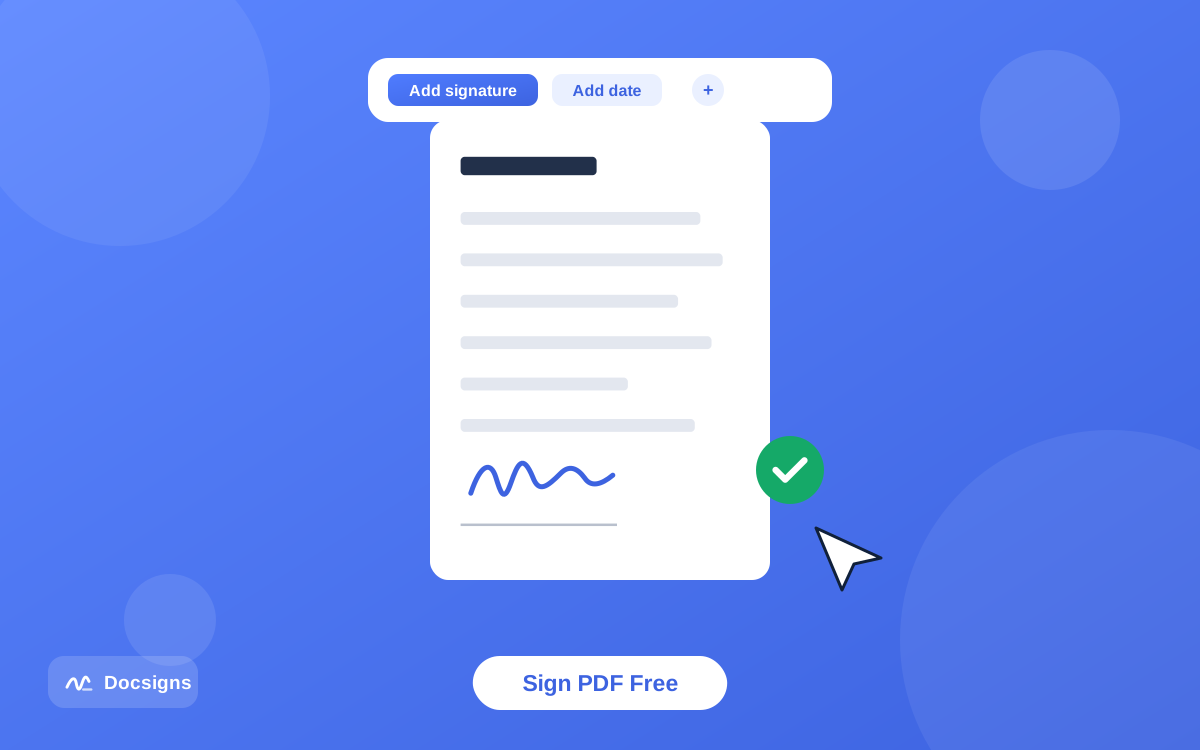
If your landlord or letting agent has emailed you a lease as a PDF and asked you to "sign and return it", you do not need a printer, a scanner or a trip to an office. Open the PDF in Docsigns, draw or type your signature, place it on the signature line, add the date, download the signed PDF and email it back. The whole thing takes about five minutes on a phone or a laptop.
What follows is the practical version: how to do it, what to check in the lease before you sign anything, and where an electronic signature is and is not enough.
Sign the lease in five steps
- Save the lease to your device. Download the attachment properly rather than working from an email preview — previews sometimes hand over a partial copy.
- Open the signer and upload the file. PDF, DOC and DOCX all work; most leases arrive as PDFs.
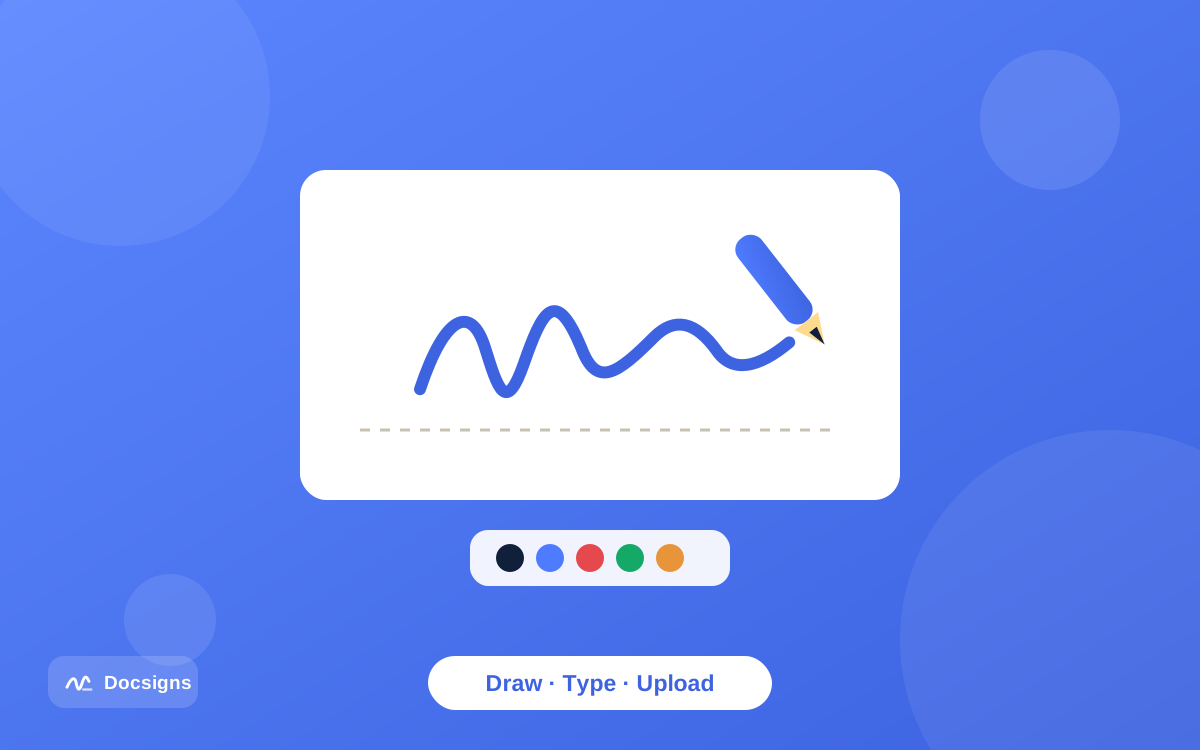
- Create your signature. Draw it with a finger, mouse or trackpad, type your name and pick one of six cursive fonts, or upload a photo of your real signature. Choose a pen colour if you want blue rather than black, which is a common request on tenancy paperwork.
- Place it, then add the date. Drag the signature onto the signature line, resize it so it sits inside the box, and drop a date beside it in the format the document uses.
- Download the signed PDF and send it back. There is no watermark and no account to create.
If you want to see the flow before you upload a real tenancy agreement, the how it works page walks through the same three stages with nothing at stake.
Where to sign, and every field people forget
A lease usually has more than one place that needs your mark, and a document returned half-completed comes straight back to you. Before you download, scroll through every page and look for:
- The main signature block at the end, usually alongside a printed-name line and a date line.
- Initials boxes at the foot of each page, which some agents use to confirm you have read every page. A typed or drawn set of initials placed in each box does the job.
- The inventory or schedule of condition, often a separate attachment with its own signature line.
- Any addendum — pets, parking, smoking, guarantor clauses — which frequently needs signing separately.
- A date next to each signature. Use the date you are actually signing, not the tenancy start date.
Where a lease names more than one tenant, each person signs their own copy. Docsigns signs the document in front of you; it does not email a signing request to anyone else, so the usual approach is that one person signs and forwards the file to the next, or everyone signs their own copy and the agent collects them.
Read these five things before you sign
A signature is easy to add and hard to take back, so spend ten minutes on the document itself first. This is general information rather than legal advice, but these are the clauses tenants most often wish they had read.
| Check | What to look for |
|---|---|
| Names and address | Your name spelled correctly, the full property address including flat number |
| Dates and length | Start date, end date, and any fixed term you cannot leave early |
| Rent and deposit | Amount, due date, payment method, deposit amount and where it will be protected |
| Break clause | Whether one exists, when it can be used, and how much notice it needs |
| Blanks | Any empty field. Never sign a document with blanks someone else can fill in later |
If something is wrong, ask for a corrected version rather than signing and mentioning it afterwards. Amending a lease after signature means a fresh document, and agents would generally rather fix it before than after.
Is a signed-online lease valid?
For most everyday agreements, an electronic signature carries the same weight as a handwritten one. Frameworks such as eIDAS in the EU and the ESIGN Act and UETA in the United States recognise electronic signatures, and residential tenancy agreements are routinely signed this way.
Two honest caveats. First, some documents sit outside that norm — property transfers, deeds, wills and certain financial instruments can demand a specific execution formality, and rules vary by country and by state. A standard residential lease is usually fine; a deed transferring an interest in property may not be. If a document explicitly says it must be executed as a deed or witnessed, ask the person who sent it how they want that handled.
Second, what Docsigns produces is an electronic signature: your mark, placed on the page, in a PDF you download. It is not a qualified digital signature backed by a certificate from a trust service provider, and it is not notarised or certified. For the small number of situations that require that level of assurance, you need a certificate-based service instead. None of this is legal advice — for anything unusual or high-value, ask a solicitor or attorney in your jurisdiction.
What happens to your document
Worth being precise, because "online" tends to imply "uploaded somewhere" and here it depends on the file type.
If your lease is a PDF, the signing happens in your browser. The PDF is not uploaded to a server — it is opened, marked up and saved on your own device. If it is a DOC or DOCX, it has to be converted to PDF first, and that conversion runs on a server, so a Word lease does leave your device on its way to becoming a signable PDF.
The practical takeaway: if your agent sent a Word file and the tenancy paperwork contains details you would rather not send anywhere, ask them for a PDF version, or open the file in Word and save it as a PDF yourself before uploading. The privacy policy sets out the details.
After you sign
A few habits that save arguments months later:
- Open the finished PDF before you send it. Check the signature is on the right line, is not covering printed text, and appears on every page that needed it.
- Keep your own copy somewhere that is not just your email outbox — a cloud folder or a local documents folder.
- Ask for the fully executed version. Your signed copy is only half the agreement. Once the landlord has signed too, request the countersigned PDF with both signatures on it. That is the document that matters.
- Save the covering emails. The message you signed and returned it with is useful evidence of when and what you agreed.
- Note the deposit protection deadline if your jurisdiction has one, and follow up if you do not get confirmation.
What Docsigns does not do
Being clear about the limits saves you looking for a button that is not there. Docsigns signs a document you already have. It does not send signing requests to other people, does not chase a landlord for a countersignature, does not store your documents for you, and does not produce an audit trail or certificate of completion. If your agent needs a formal multi-party signing workflow with tracking, they will use a platform built for that, and you will get a signing link by email instead.
For the common case — a lease in your inbox, a signature line waiting, a reply to send this evening — signing it yourself and emailing it back is the shortest route. You can start with your own document on the Docsigns signer, or read more about the tool on the about page.
Frequently asked questions
How do I sign a lease agreement online for free?
Save the lease to your device, upload it to Docsigns, create a signature by drawing, typing or uploading an image, place it on the signature line with a date, then download the signed PDF and email it back. It is free, with no account and no watermark.
Is a lease signed with an electronic signature valid?
For most everyday agreements, including standard residential tenancies, electronic signatures are recognised under frameworks such as eIDAS, ESIGN and UETA. Some documents — deeds, property transfers, anything requiring a witness — have stricter formalities, and rules vary by jurisdiction. This is general information, not legal advice.
Can I sign a lease on my phone?
Yes. Docsigns works in a mobile browser, and drawing a signature with a finger on a touchscreen usually looks better than drawing one with a trackpad. Save the attachment to your Files app first rather than uploading it straight from an email preview.
What if my landlord sent the lease as a Word document?
Docsigns accepts DOC and DOCX as well as PDF. Note that a Word file is converted to PDF on a server before you can sign it, whereas a PDF is signed entirely in your browser. If the paperwork is sensitive, ask for a PDF or save it as a PDF yourself first.
Do all tenants need to sign the same copy?
That depends on what your landlord or agent asks for. Docsigns does not send signing requests to other people, so tenants usually either sign one file in turn and forward it on, or each sign their own copy for the agent to collect.
Should I keep a copy of the signed lease?
Yes, and ask for the countersigned version too. Your signed copy shows what you agreed to; the fully executed copy with the landlord's signature on it is the complete agreement. Store both somewhere more durable than your email outbox.