How to Sign an Offer Letter Electronically (Free, No Printer)
To sign an offer letter electronically, open the PDF or Word file in a free online signer, draw, type or upload your signature, place it and the date on the signature line, then download the signed PDF and email it back to the recruiter or HR contact. The whole thing takes a few minutes and you never need a printer or scanner.
Before you sign, though, it is worth five minutes to make sure the letter says what you agreed to on the phone. This guide covers the check, the signing, and what to send back.
First: how did the offer letter arrive?
Offer letters reach candidates in two main ways, and the right way to sign depends on which one you have.
| How you received it | How to sign it |
|---|---|
| A link from an HR or e-signature platform ("Review and sign") | Sign inside that platform. The employer is tracking the document there, so a separately signed copy may not be recorded. |
| A PDF attached to an email | Sign it with an online signer, download the signed PDF, and reply with it attached. |
| A Word document (DOC or DOCX) | Sign it with an online signer that accepts Word files. The output is a PDF, which is what you should send back anyway. |
| A printed letter, or a request to post it back | Ask whether a scanned or electronically signed copy is acceptable. Many employers are happy with one. |
If the email simply says "please sign and return", an electronically signed PDF is almost always what they expect. When in doubt, a one-line reply asking "Is a signed PDF by email fine?" settles it.
Check these things before you sign
An offer letter is usually short, which makes it easy to skim. Read it properly. Things to confirm against what you discussed:
- Job title and who you report to.
- Salary or hourly rate, and whether it is stated per year, month or hour.
- Start date and your working location or remote arrangement.
- Bonus, commission or equity terms, if they were part of the conversation.
- Conditions, such as a background check, references or right-to-work documents.
- Probation period and notice period.
- Anything attached or referred to, such as a non-disclosure, non-compete or policy document that you are also agreeing to by signing.
- A response deadline, so you know how long you have.
If something is wrong or missing, raise it before you sign. It is much easier to get a corrected letter than to renegotiate after you have accepted in writing. This is general information rather than legal advice; if the letter includes restrictive terms you do not understand, it may be worth asking someone qualified before you commit.
How to sign the offer letter online
Here is the process on Docsigns, which is free, needs no account and adds no watermark to the signed file.
- Save the attachment. Download the offer letter from your email to your computer or phone.
- Upload it to the signer. PDF, DOC and DOCX files are all accepted.
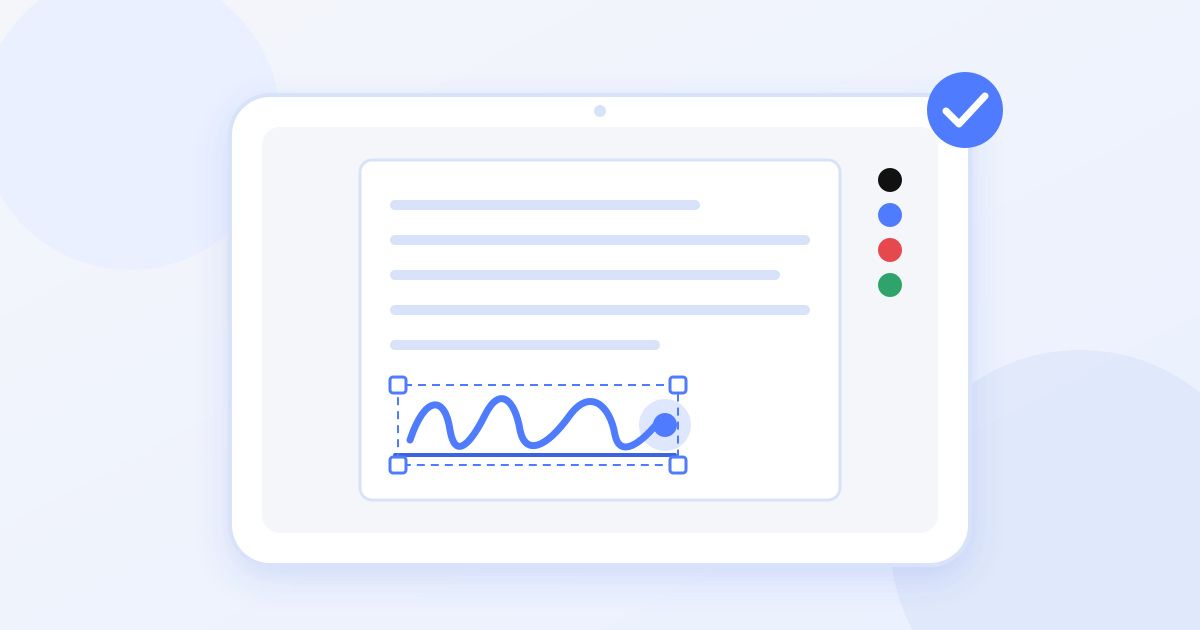
- Create your signature. Draw it with a mouse, trackpad or finger; type your name and choose one of six cursive fonts; or upload a photo of your handwritten signature.
- Pick a pen colour. Black or blue look the most natural on a formal letter.
- Place it on the signature line. Drag and resize it until it sits neatly above or on the line, without covering any text.
- Add the date. Most offer letters have a date line next to the signature. Place a date and pick the format that matches the letter.
- Download the signed PDF and open it once to check everything is where it should be.
If you want a quick overview before you start, the how it works page walks through the same three stages: upload, sign, download.
Which signature style should you use?
Any of the three is fine for an offer letter. A few practical points:
- Drawn signatures look the most personal. On a laptop trackpad they can be wobbly, so a phone screen and a finger often give a smoother result.
- Typed signatures are neat and consistent. They are a reasonable choice for a job offer and are quickest when you are signing on the go.
- Uploaded signatures let you use your real handwritten signature. Sign on plain white paper, photograph it in good light, and crop it close.
What if the letter has more than one place to sign?
Some offer packs ask you to sign the letter itself, then initial or sign an attached policy or confidentiality page. You can place a signature on any page of the document, so work through it page by page and add one wherever a line is waiting for you. Check the last page as well; acceptance lines are often at the very end, below the employer's signature.
Is an electronically signed offer letter valid?
For most everyday agreements, including standard employment offers, electronic signatures are recognised under laws such as ESIGN and UETA in the United States and eIDAS in the European Union, with equivalent rules in many other countries. Some documents do require more, and qualified digital signatures exist for those exceptions. A signature from Docsigns is an electronic signature, not a certificate-backed qualified signature.
In practice, if an employer sends you a PDF and asks you to sign and return it, they have already chosen a process that accepts electronic signatures. If they need something specific, they will usually say so in the email.
Common mistakes to avoid
- Signing the wrong version. If the recruiter sent a revised letter after a salary conversation, make sure you are signing the latest one, not the first attachment in the thread.
- Covering printed text. A large signature can sit over the employer's name or the date line. Resize it so the whole letter stays readable.
- Forgetting the date. An acceptance with an empty date line often gets sent back for completion.
- Missing a page. Scroll to the end before you download; a second acceptance line or an attached agreement is easy to overlook.
- Replying with a Word file. Send the signed PDF, not an editable document, so what you signed cannot be changed by accident.
- Signing past the deadline without saying anything. If you need more time to decide, ask for it politely before the deadline rather than after.
Sending the signed letter back
Reply to the email the offer came in, so the recruiter sees it in the same thread, and attach the signed PDF. Give the file a clear name, such as firstname-lastname-offer-letter-signed.pdf, rather than whatever the download was called.
A short, friendly message is all you need:
- Thank them and say you are pleased to accept the offer.
- Confirm the job title and start date.
- Mention that the signed letter is attached.
- Ask about any next steps, such as documents they need before your first day.
Then keep your own copy. Save the signed PDF and the email somewhere you will find it again, because onboarding, a mortgage application or a future job may ask for proof of your start date or salary.
A note on privacy
An offer letter contains your name, salary and sometimes your address, so it is fair to ask where the file goes. With Docsigns, PDFs are signed in your browser and the PDF itself is not uploaded. Word files are different: a DOC or DOCX is sent to a server to be converted to PDF before you can sign it. If you would rather keep the letter entirely on your device, ask the employer for a PDF version, or export the Word file to PDF yourself first. You can read more about the product on the about page, and the blog has guides for signing on specific devices.
Frequently asked questions
How do I sign an offer letter electronically for free?
Upload the PDF or Word file to a free online signer such as Docsigns, then draw, type or upload your signature. Place it and the date on the signature line and download the signed PDF. There is no account to create and no watermark on the file.
Can I sign an offer letter on my phone?
Yes. Save the attachment to your phone, open the signer in your browser and sign with your finger or a typed signature. Then attach the downloaded PDF to your reply email.
Is an electronic signature on an offer letter legally valid?
For most everyday agreements, including standard job offers, electronic signatures are recognised under laws such as ESIGN, UETA and eIDAS. Some documents need more, and qualified digital signatures exist for those cases. This is general information, not legal advice.
Should I sign in the HR platform or download the letter and sign it myself?
If you received a link to sign inside an HR or e-signature platform, sign there so the employer's system records it. Use an online signer when the offer letter arrives as a PDF or Word attachment.
What should I write when sending back a signed offer letter?
Reply in the same email thread, thank the employer, confirm you accept, and restate the job title and start date. Say the signed letter is attached and ask about any next steps. Keep it short.
Should I sign the offer letter if something is wrong?
No, raise it first. Ask the recruiter to correct the title, salary, start date or any other term before you sign. It is much easier to fix before you accept in writing.