How to Initial Every Page of a PDF Online (Free)
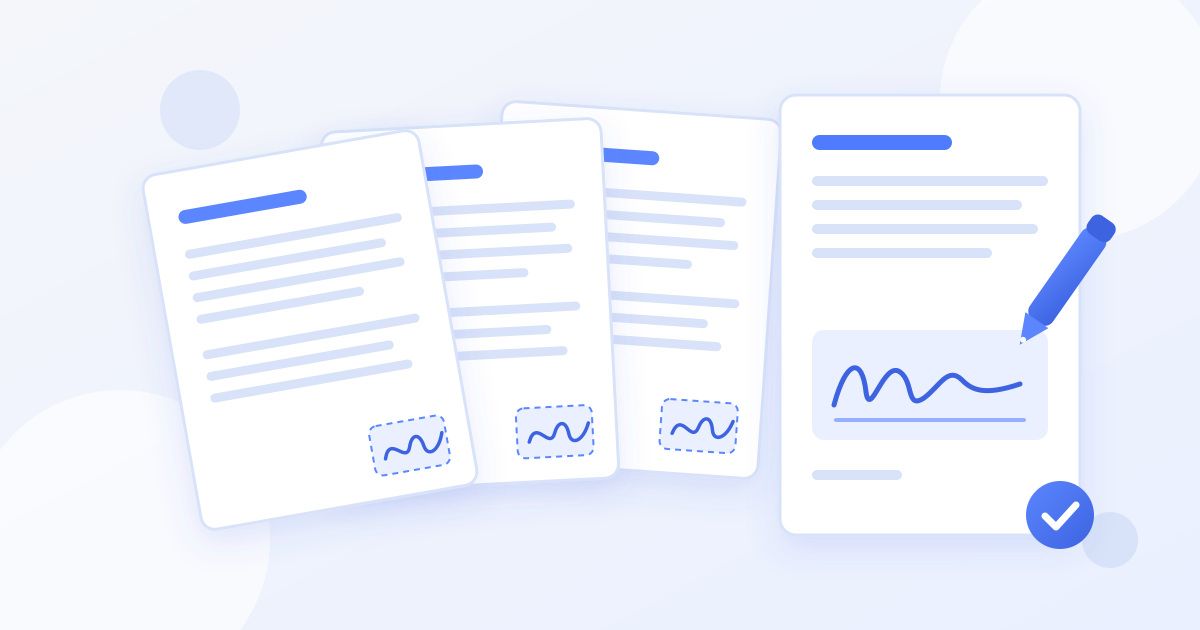
To initial every page of a PDF, create your initials once as a separate signature (typed or drawn), then scroll through the document and place them on each page, usually in the bottom corner, before signing the last page in full and downloading the result. With a free online signer like Docsigns you create the initials a single time and reuse them from a list on every page, so a 12-page contract takes a couple of minutes, not a printer and a pen.
Below is the step-by-step method, where initials normally go, and a few honest notes on what initialing does and doesn't prove.
Why documents ask you to initial every page
Leases, employment contracts, loan paperwork and consent forms often say "initial each page" or have a small box marked "Initials" in the footer. The reason is practical rather than legal magic:
- It shows you saw every page. A full signature on the last page doesn't show that you were given pages 2 to 11.
- It discourages page swapping. If a page is replaced later, the missing or different initials make that easier to spot.
- It flags specific clauses. Some agreements ask for initials next to an important term, such as a non-refundable deposit, a pet clause or an arbitration clause, to show it was noticed.
That also explains why placing initials page by page is a good thing. Some paid tools can stamp initials on every page automatically, but going through each page yourself means you actually look at what you're initialing.
What you need before you start
- The document as a PDF, DOC or DOCX.
- A decision on how to make your initials: typed in a cursive font, drawn with a finger, mouse or trackpad, or uploaded as an image of your handwritten initials.
- A quick scan of the document for initial boxes. If there are none, the bottom-right corner of each page is the usual convention.
How to initial every page of a PDF online, step by step
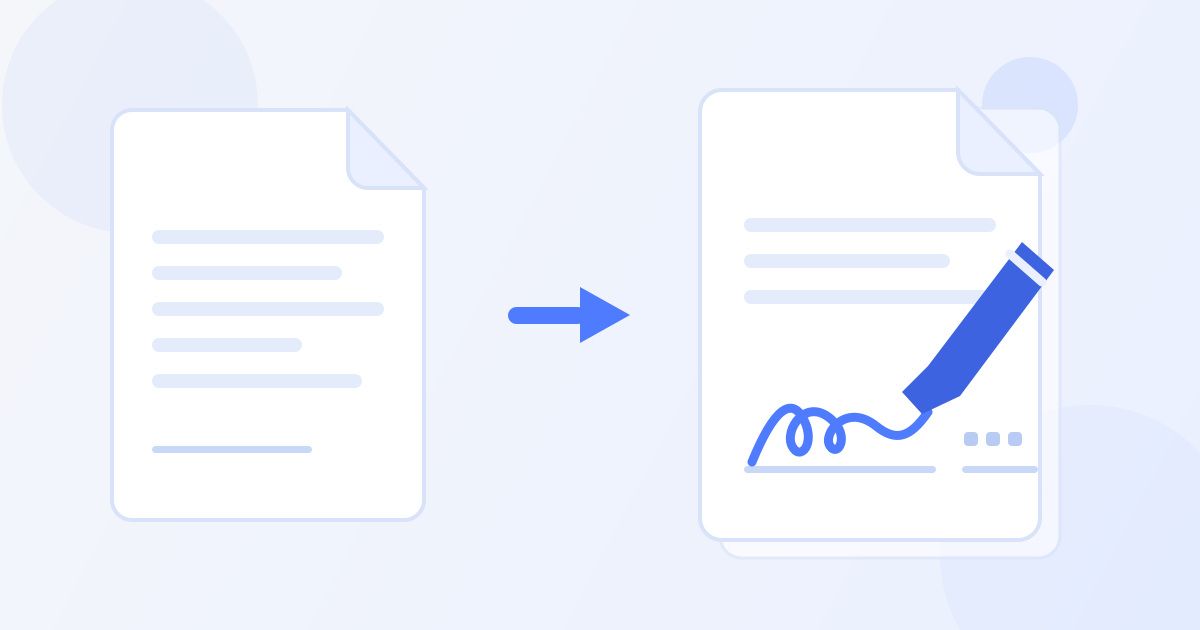
- Upload the document. Open the Docsigns signer and upload your PDF, DOC or DOCX. All pages load in a scrolling view.
- Go to the first page. Scroll so page 1 is the page in view. New signatures are placed on the page you're currently looking at.
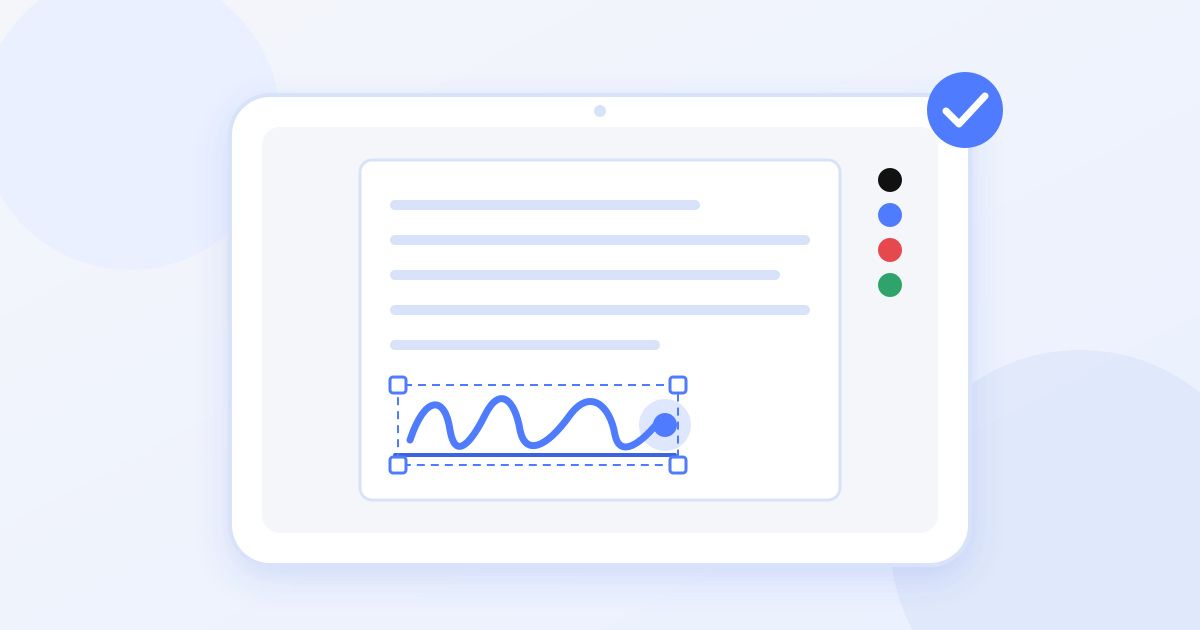
- Create your initials. Choose Add signature, then draw, type or upload your initials. Give it a name like "Initials" so it's easy to tell apart from your full signature, and pick a pen colour (blue is a common choice for signed documents).
- Position them. The initials appear on the page. Drag them into the initials box or the bottom corner and resize them so they fit neatly.
- Move to the next page and repeat. Scroll down to page 2 and choose Add signature again. This time your saved initials are listed in Choose a signature, so you just tap them and position them. Repeat for each page.
- Add your full signature on the signature page. On the last page (or wherever the signature line is), choose Add signature and create your full signature. It's saved alongside your initials for the rest of the session.
- Add the date if asked. Use Add date and choose the format the document expects.
- Finish and download. Choose Finish & sign, check every page, then download the signed PDF.
If you put initials on the wrong page, select them and delete that placement; the saved initials stay in your list so you can place them again. The how it works page walks through the same upload, sign and download flow with pictures.
Initialing every page on a phone
The same steps work in a mobile browser, and a phone is actually a comfortable way to draw initials with a finger. A few things make it smoother:
- Save the attachment first. If the document came by email, save it to your Files app (iPhone) or Downloads (Android) so you can pick it from the upload dialog.
- Zoom in before positioning. Initials are small, and footer boxes are smaller. Zooming in makes it easy to line them up without covering text.
- Turn the phone sideways to draw. Landscape gives you a wider drawing area, which helps initials look steady when they're shrunk onto the page.
Typed, drawn or uploaded initials: which to use
| Method | Best for | Watch out for |
|---|---|---|
| Typed (cursive font) | Speed and a consistent look on every page | Looks less personal; fine for most everyday paperwork |
| Drawn | Matching how you initial on paper, especially on a phone or tablet | Draw slowly; shaky mouse strokes look messy when shrunk |
| Uploaded image | Using your real handwritten initials | Photograph on plain white paper in good light so the background doesn't show |
Whichever you choose, use the same initials on every page. Mixing a typed set on some pages and a drawn set on others invites questions you don't need.
Where initials usually go
- A marked box or line, often labelled "Initials" in the footer. Always use it if it exists.
- The bottom-right corner when there's no box. Keep clear of page numbers and existing text.
- Next to a specific clause when the document asks you to acknowledge it. Place them in the margin beside that paragraph.
- Beside handwritten or typed changes. If both parties agree to change a term, each side typically initials next to the change.
Don't initial the signature page's signature line; that's where your full signature goes. Some documents want both initials in the footer and a full signature on that page.
A note on privacy: PDFs versus Word files
If you upload a PDF, Docsigns renders and signs it in your browser; the PDF itself isn't uploaded. If you upload a DOC or DOCX, it first has to be converted to PDF, and that conversion happens on a server before you sign. If a Word contract is sensitive, you can save it as a PDF in Word first and sign that instead. The privacy policy has the details.
Common mistakes when initialing a long document
- Skipping a page. Blank pages and schedules at the back are easy to miss. Scroll through once more before you choose Finish & sign.
- Initials covering text. On a phone, zoom in and make sure the initials don't sit on top of a clause or a page number.
- Initialing pages you haven't read. Initials are there to show you reviewed each page. If a page raises a question, ask before you initial it.
- Sending the wrong file. Downloads often end up with similar names. Open the signed PDF before attaching it, and rename it to something clear like "lease-signed.pdf".
Are electronic initials valid?
For most everyday agreements, such as leases, NDAs, offer letters and service contracts, electronic signatures and initials are generally accepted under laws like the ESIGN Act and UETA in the US and eIDAS in the EU. Some documents are exceptions: property transfers, wills and certain financial or court documents can require a handwritten signature, witnesses, a notary or a qualified digital signature backed by a certificate.
Docsigns creates an electronic signature, not a qualified certificate-based digital signature. If you're unsure whether your document needs more, ask the person who sent it or a legal professional. This is general information, not legal advice.
What Docsigns does and doesn't do here
To keep expectations clear: Docsigns lets you create initials and a full signature, reuse them during your session, place them on any page, add a date and download a signed PDF, free with no account and no watermark. It doesn't send the document to other people for signing, keep an audit trail, or stamp initials on every page automatically. For a document only you need to initial and sign, that's usually all you need. You can read more about the product on the about page.
Frequently asked questions
How do I add initials to every page of a PDF for free?
Upload the PDF to a free signer like Docsigns, create your initials once with Add signature, and place them on page 1. Then scroll to each following page, pick the saved initials from the list, position them, and download the signed PDF when you're done.
Where should I put my initials if there's no initials box?
The bottom-right corner of each page is the usual convention, kept clear of page numbers and text. If the document asks you to acknowledge a particular clause, place your initials in the margin next to that clause.
Can I type my initials instead of drawing them?
Yes. Docsigns lets you type initials in a cursive font, draw them, or upload an image of your handwritten initials. Whichever you choose, use the same initials on every page.
Why do contracts ask you to initial each page?
Initials on each page show that you were given and reviewed every page, and they make a swapped page easier to spot. Some agreements also ask for initials beside key clauses to show they were noticed.
Are electronic initials legally valid?
For most everyday agreements, electronic signatures and initials are generally accepted under laws like ESIGN and UETA in the US and eIDAS in the EU. Some documents, such as property transfers or wills, can require more, including a qualified digital signature. This is general information, not legal advice.
Can I initial a Word document instead of a PDF?
Yes, Docsigns accepts DOC and DOCX files and gives you back a signed PDF. Note that Word files are converted to PDF on a server before signing, while PDFs are signed in your browser without being uploaded.