How to Add Two Signatures to One PDF Without Printing
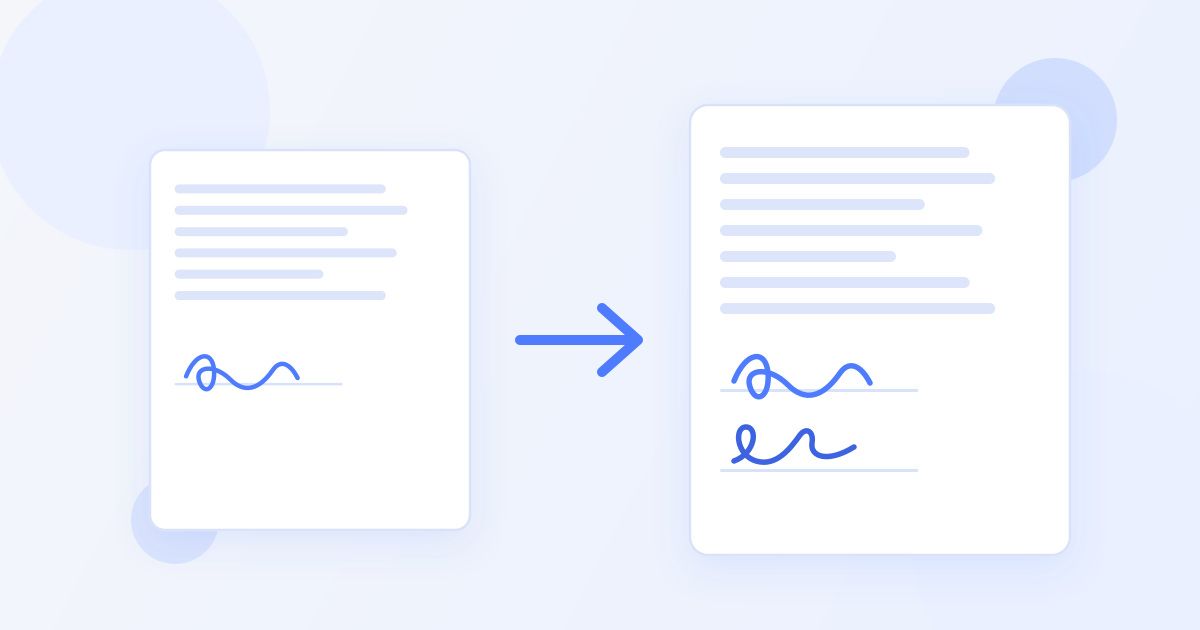
To get two signatures onto one PDF, sign it in sequence rather than in parallel: the first person signs and downloads the signed file, then sends that file to the second person, who opens the signed copy and adds their own signature. The final download carries both. The mistake that wastes an afternoon is both people signing the original separately, which leaves you with two half-signed documents and nothing you can file.
This comes up constantly — a lease with a landlord and a tenant, a contract with a client, a partnership agreement, a parental consent form that needs both parents. None of it requires a printer, a scanner or a paid subscription. It does require getting the order right, so here is the whole process.
First, decide which situation you are in
| Situation | Approach | Time |
|---|---|---|
| Both people in the same room | Place both signatures in one session, then download once | 2 minutes |
| People in different places | Sign in sequence and pass the signed file along | One email round trip |
| Three or more signers | Same sequence, one person at a time, each signing the newest version | One round trip per signer |
Both approaches end with a single PDF carrying every signature. The difference is only how many times the file changes hands.
Method 1: both people are together
This is the simplest case, and it is what most people need for a rental agreement signed at a viewing or a contract agreed at a meeting.
- Open the document in the Docsigns signer and upload the PDF.
- Create the first signature — draw it with a finger or trackpad, type it and pick one of the cursive fonts, or upload a photo of a signature you already have.
- Drag it to the first signature line, resize it so it sits neatly on the line, and add a date beside it if the document has a date field.
- Hand the device to the second person. They create their own signature the same way and place it on the second line.
- Download the signed PDF once. Both signatures are in it.
Nothing about the tool forces one signature per document, so a page with four signature lines works exactly the same way — place four.
Method 2: signing from different places
This is where order matters, and where most people go wrong.
- The first person signs. Upload the PDF, place the signature and the date, and download the result.
- Rename the file so the version is obvious. Something like lease-signed-by-landlord.pdf. This single habit prevents nearly every mix-up that follows.
- Email that signed file to the second person, and say plainly which file to sign: "please sign the attached, it already has my signature on it".
- The second person opens the signed file — not the original from an earlier email — adds their signature and date, and downloads it.
- They send the fully signed copy back, and everyone keeps that final version.
If both people sign the original in parallel, you end up with two separate PDFs, each with one signature. There is no way to merge them into one properly signed document, so someone has to sign again. Sequence, not parallel.
Placing signatures so the document reads properly
A signed agreement is read by people who were not in the conversation, so make the page obvious:
- Put each signature on its own line, sitting on the rule rather than floating above or below it.
- Keep the size realistic. A signature that spans half the page width looks wrong; match it roughly to the width of the printed name underneath.
- Add the date next to each signature. Docsigns can place a date in several formats, and two dates on a document signed a day apart is normal and expected.
- Use a different pen colour per signer if the page is crowded — it makes who signed what unmistakable at a glance.
- If the agreement asks for initials on every page as well as signatures at the end, place those before you download, so the file only goes around once.
The how it works page walks through the three basic steps if you want to see the flow before you start on a document that matters.
Word documents need one extra step
If your agreement is a DOC or DOCX rather than a PDF, it is converted to a PDF on a server first, and you sign the PDF. Worth knowing for two reasons.
The first is practical: convert it once, at the start, and circulate the PDF. If each signer uploads their own copy of the Word file, you get two differently converted documents and the signature positions will not match.
The second is about privacy. Signing a PDF happens in your browser — the PDF itself is not uploaded. A Word file is different: it goes to a server to be converted before you can sign it. If the document is sensitive, convert it to a PDF yourself first, then sign that PDF. Our privacy policy sets out how files are handled.
When the other person has never done this before
Half the delay in getting a document signed is not technical — it is the other person not knowing what you are asking them to do. A short, specific message removes that:
"Attached is the agreement with my signature already on it. You can sign it free in a browser at docsigns.online — upload the attached PDF, draw or type your signature, drag it onto the line above your name, add today's date, then download it and send it back. Takes about two minutes, no account needed."
It works on a phone too, which matters more than people expect: someone who will not open a laptop to deal with a contract will happily sign it on a phone while waiting for a bus. Drawing a signature with a fingertip on a touchscreen usually looks better than drawing one with a trackpad, so the phone is often the better device anyway. If they would rather not draw at all, typing a name and picking one of the cursive fonts is a perfectly normal way to sign.
What a two-signature PDF is, and what it is not
What you produce is an electronic signature — a visible mark placed on a document by a person who intended to agree to it. For most everyday agreements, that is what is used and accepted: freelance contracts, rental agreements, consent forms, internal approvals, supplier terms.
It is not a qualified digital signature, which is a different thing: a signature backed by a certificate issued by a trust service provider that cryptographically binds a verified identity to the file. Some transactions — property transfers, wills, certain financial instruments — require that, or require a witness or a notary. If your agreement falls into one of those categories, check what is required before you rely on any online signer.
Docsigns also keeps no audit trail, no signing log and no copy of your document, so the record of who signed and when is the one you keep yourself. In practice that means: keep the email thread where each signed version was sent, and keep the final PDF somewhere sensible. For most agreements, an email trail showing the signed file going back and forth is a perfectly ordinary record. This is general information, not legal advice.
Before you call it done
- Open the final PDF and check every signature is present and on the right line.
- Check the dates are there and correct.
- Scroll every page — a signature dropped on page three of a five-page agreement is easy to miss.
- Send the completed file to everyone who signed, not just back to the person who sent it to you.
- Save it with a clear final name, such as lease-signed-final.pdf.
That is the whole process: sign in sequence, name the versions clearly, and check the finished file before it goes out. If you want to read more about what electronic signing does and does not cover, there is more on the blog.
Frequently asked questions
How do two people sign the same PDF?
Sign it in sequence. The first person signs and downloads the signed PDF, then sends that file to the second person, who opens the signed copy, adds their signature and downloads the final version containing both.
Can I add a signature to a PDF that is already signed?
Yes. Upload the already-signed PDF and place your signature on it like any other document. The existing signature stays where it is, and the file you download carries both.
What happens if both of us sign the original at the same time?
You end up with two separate PDFs, each carrying one signature, and neither is a fully signed agreement. There is no way to merge them cleanly, so one person has to sign again on top of the other's signed copy.
Can more than two people sign one document?
Yes, using the same sequence. Each signer adds their signature to the newest version and passes that file on. Keep the file names clear so nobody accidentally signs an earlier copy.
Does Docsigns send the document to the other signer for me?
No. There is no signing request flow, no reminders and no account — you download the signed file and send it on yourself, by email or any other way you prefer. That also means there is no audit trail, so keep the email thread as your record.
Is a PDF signed by two people legally valid?
Electronic signatures are accepted for most everyday agreements in the EU, the US and many other jurisdictions. Some transactions, such as property transfers and wills, need a qualified signature, a witness or a notary. This is general information rather than legal advice.