How to Sign Documents Without Printing
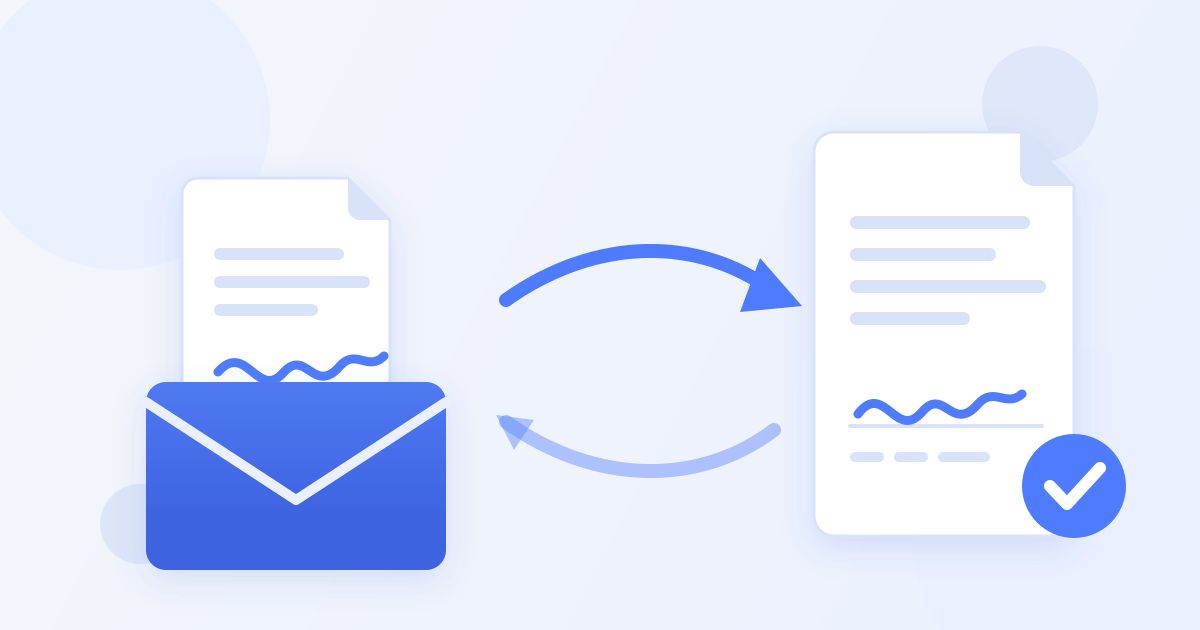
Somebody emails you a form with the instruction that has wasted more human hours than traffic jams: "Please print, sign, scan, and return." If you have ever hunted for a working printer at 9 p.m., you already know why learning to sign documents without printing is worth ten minutes of your time.
The print-sign-scan ritual survives on habit, not necessity. In most cases the sender does not need paper — they need your signature on the document. And you can put it there directly, in your browser, in about two minutes, without a printer, a scanner, or a single sheet of paper.
This guide covers the full paperless flow step by step, an honest accounting of what the printer chain actually costs you, why scanned copies come back looking worse than the original, and the handful of cases where wet ink genuinely is still required.
What the print-sign-scan ritual really costs
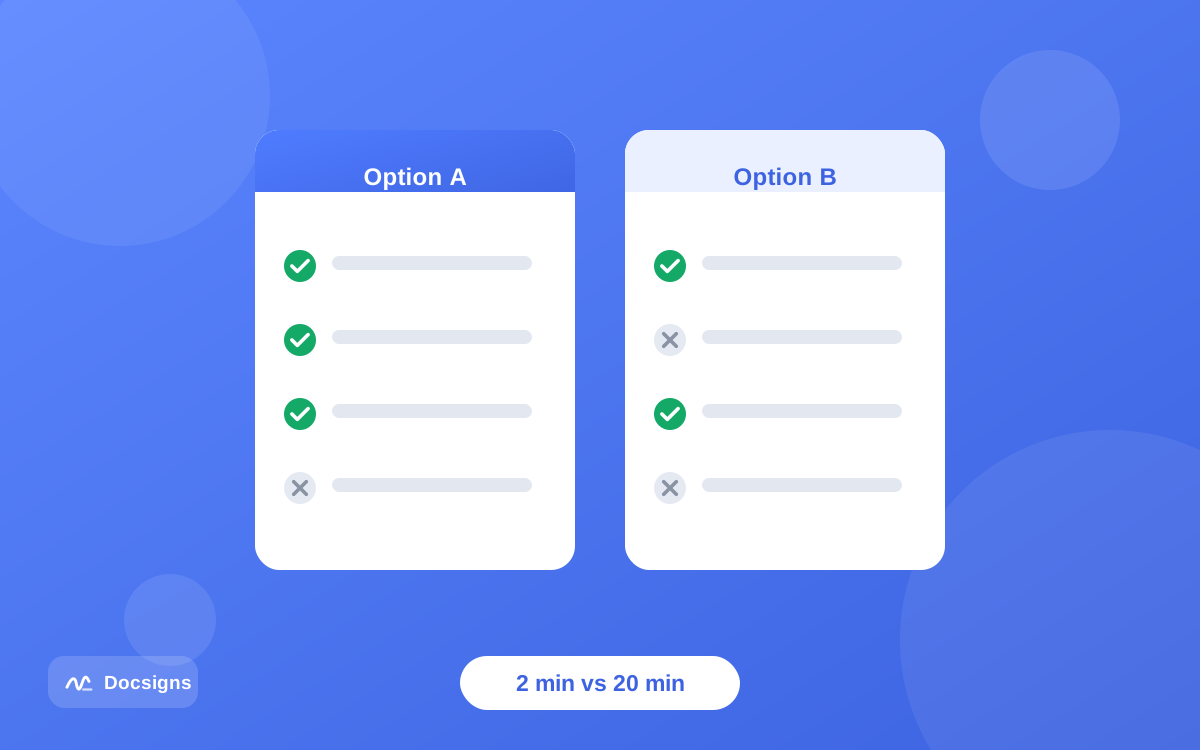
Walk through the old routine honestly. You open the attachment, send it to a printer (which needs paper, ink, and cooperation), sign with a pen, then either scan it on a flatbed or photograph it with your phone, fix the crooked photo, convert it back to a PDF, and finally attach it to a reply. That is four devices — computer, printer, pen, scanner or camera — for one signature.
Here is the same job side by side:
| Factor | Print → sign → scan | Sign online in the browser |
|---|---|---|
| Time per document | 10–20 minutes (more if the printer jams) | About 2 minutes |
| Equipment needed | Printer, ink, paper, pen, scanner or phone camera | Any device with a browser |
| Cost per page | Ink and paper (laser ~2–5¢, inkjet often 5–10¢+ per page), plus hardware upkeep | Free with a tool like Docsigns |
| Output quality | Rescanned copy: skewed pages, shadows, gray backgrounds, soft text | Original PDF quality, untouched |
| File size | Scans often balloon to 5–20 MB | Close to the original file size |
| Works away from home | No — you need the hardware | Yes — phone, tablet, or any borrowed browser |
| Paper used | 1+ sheets per signature | Zero |
Multiply the printer chain across a year of leases, school forms, freelance contracts, and HR paperwork, and the ritual quietly consumes hours. The paperless flow gives them back.
There is also the failure-mode tax that never shows up in neat comparisons: the ink cartridge that dies mid-page, the scanner driver that stopped working after an update, the print shop trip because your home printer gave up years ago. Online signing has no equivalent failure — if your browser opens, the workflow works.
How to sign documents without printing: the full paperless flow
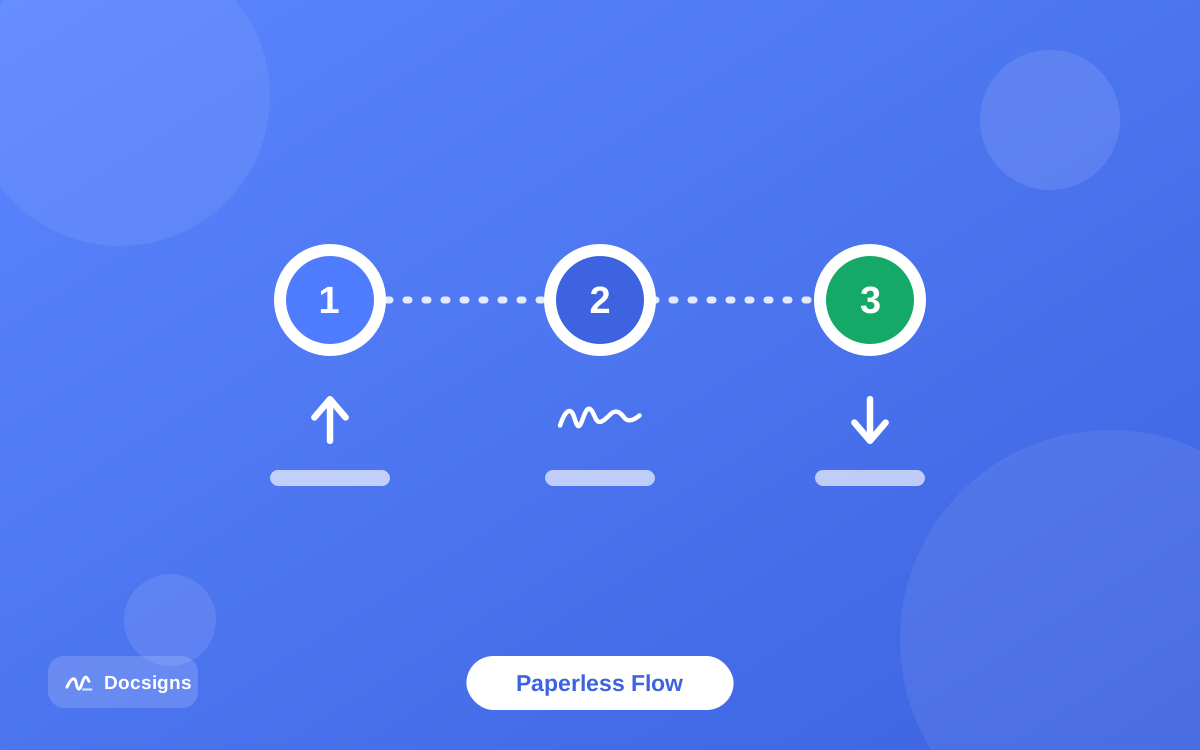
Here is the complete process using a free browser tool like Docsigns. It works the same on a laptop, a phone, or a tablet:
- Save the attachment. Download the PDF (or DOC/DOCX) from your email to your device — or note where it already lives.
- Open the signing tool. Go to docsigns.app in any modern browser. There is no signup, so you land straight in the editor.
- Load the document. Upload the file. PDFs are rendered entirely in your browser and never leave your device; Word files are converted to PDF by a secure converter and then signed locally.
- Create your signature once. Draw it with a mouse or finger, type it and pick one of six handwriting styles, or upload a photo of your pen-on-paper signature. Save it to the reusable library so step 4 disappears from every future document.
- Place it precisely. Drag the signature onto the signature line, resize and rotate as needed, and use zoom for fine placement. Multi-page files are supported — sign page 12 as easily as page 1.
- Add the date. Pick the format the form expects — "June 11, 2026", "11/06/2026", "2026-06-11", and more are built in.
- Download and return. The signed PDF keeps the original file name and every placement stays exactly where you put it. Attach it to your reply, or share it directly via a private link to Gmail, WhatsApp, or LinkedIn.
That is the entire ritual replaced. If the incoming file is a Word document rather than a PDF, the process is identical — the details are in our guide to signing Word documents online.
What you need to sign documents without printing
The honest answer: almost nothing you do not already have.
- A device with a modern browser — Chrome, Safari, Firefox, or Edge on any desktop, phone, or tablet.
- The document file — PDF, DOC, or DOCX.
- Two minutes of your time — genuinely; the very first run takes the longest because you create your signature once, and the reusable library remembers it for every document afterward.
- Not required: a printer, a scanner, ink cartridges, a paid subscription, an account, or an app install.
If you have never created an electronic signature before, the short walkthrough on creating a digital signature for documents covers drawing, typing, and photographing your signature in more depth.
Sign documents without printing — straight from your phone
The paperless flow gets even more useful away from a desk. The same steps work in Chrome or Safari on any phone: open the attachment, load it into the signing tool, draw your signature with a finger (rotate to landscape for smoother strokes), place, date, and send it back — all before the elevator reaches your floor.
This is where the printer chain fails completely: nobody prints and scans from a train. If mobile is your main computer, the dedicated guides to signing documents on mobile devices and signing PDF files on iPhone cover the phone-specific details.
Why the scanned copy always looks worse
Beyond time and cost, there is a quality argument for skipping the printer that people rarely make out loud: the print-sign-scan loop degrades the document every single time.
A PDF starts life as crisp digital text. Printing rasterizes it onto paper; scanning re-photographs that paper along with every skewed angle, shadow, coffee-ring, and gray cast your scanner adds. Text that was perfectly sharp comes back slightly soft. Page edges tilt by a degree or two. File sizes balloon because the scan is now a photograph of text instead of text. And if the recipient prints your scan and scans it again for their records, the copy-of-a-copy decay continues.
A document signed in the browser skips all of that. The pages keep their original quality, with your signature placed on top. Docsigns flattens the signed output into image-based pages — which has a side benefit: casual text-editing of the signed content becomes impractical, a light layer of tamper resistance covered further in how to protect signed PDF documents from editing.
Recipients notice the difference more than you might think. An HR coordinator processing forty returned forms can read a clean digital copy at a glance; the sideways 8 MB scan gets opened, rotated, squinted at, and occasionally sent back with a request to redo it — which restarts the whole ritual you were trying to escape.
Is a signature without paper actually valid?
For the overwhelming majority of everyday documents, yes. In the United States, the ESIGN Act and UETA give electronic signatures the same legal effect as handwritten ones for most transactions. In the EU, the eIDAS regulation does the same. What these frameworks care about is intent and consent — that you meant to sign — not whether ink met paper.
That said, wet ink has not vanished entirely. Requirements vary by jurisdiction and document type, but the usual exception list includes:
- Wills and codicils in many jurisdictions
- Certain court filings and notarized documents where local rules still demand paper or in-person notarization
- Some real-estate deeds depending on the recording office
- Documents a specific counterparty insists on in ink — banks and government offices sometimes do, and arguing rarely helps
This is general information, not legal advice — requirements differ by jurisdiction and document type, so check the rules that apply to your situation. For the fuller picture, including how courts have treated e-signatures, read are electronic signatures legally binding.
A practical tip: if you are unsure whether a particular counterparty accepts electronic signatures, ask before signing — a one-line email saves a redo. In years of everyday paperwork, most people find the answer is yes far more often than no.
Best practices for the paperless switch
A few habits make the printer-free workflow smooth and safe from day one:
- Read before you sign — on screen counts. Skimming a contract on a phone is still skimming. Zoom in and read the terms.
- Check where your file goes. Prefer tools that process documents on your device. With Docsigns, PDFs never leave the browser — they are not uploaded to or stored on any server. More checks in how to sign documents online securely.
- Keep the file name intact. Recipients matching "Lease_Agreement_2026.pdf" against their records appreciate getting the same name back signed — Docsigns preserves it automatically.
- Save your signature once. A reusable signature library turns every future document into a thirty-second job.
- Confirm you attached the signed version. The classic paperless blunder is returning the untouched original. Open the attachment once before hitting send.
- Keep your own copy filed. Paper had one accidental virtue: a drawer. Recreate it deliberately with a folder for signed documents, sorted by year — future-you will need that lease sooner than you think.
Retire your printer from signature duty
The print-sign-scan ritual was a workaround for a world where signing software was expensive and clumsy. That world is gone. You can sign documents without printing on any device you own, for free, and send back a file that looks better than any scan ever could.
Next time an email asks you to print anything, decline politely — with a perfectly signed PDF attached two minutes later. Sign your document now, no printer, no signup, no cost. And if you want the complete map of paperless signing, from formats to legality, our complete guide to electronic document signing covers it end to end.
Frequently asked questions
How do I sign a document without a printer?
Open the document in a free browser tool like Docsigns, create a signature by drawing, typing, or uploading an image, drag it onto the signature line, add a date, and download the signed PDF. No printer, scanner, account, or payment is involved.
Is a document signed without printing legally valid?
In most cases, yes. The U.S. ESIGN Act and UETA, and the EU's eIDAS regulation, give electronic signatures the same legal effect as handwritten ones for most transactions. Exceptions like wills and some notarized documents still require wet ink in many places. This is general information, not legal advice.
How do I sign and return an email attachment without printing it?
Download the attachment, open docsigns.app in your browser, upload the file, place your signature and date, then download the signed PDF and attach it to your reply. The signed file keeps the original file name, which makes it easy for the sender to match.
What do I need to sign documents without printing?
Only a device with a modern browser — desktop, phone, or tablet — and the document file (PDF, DOC, or DOCX). No printer, scanner, app install, or signup is required with a tool like Docsigns.
Why do scanned signed documents look so bad?
Printing rasterizes crisp digital text onto paper, and scanning re-photographs it along with skew, shadows, and gray backgrounds. The result is softer text and a much larger file. Signing in the browser keeps the original PDF quality intact.
Can I sign a Word document without printing it?
Yes. Upload the DOC or DOCX to Docsigns — it is converted to PDF by a secure converter, then signed locally in your browser. You download a signed PDF with the original file name.
Does signing online mean my document gets uploaded somewhere?
Not with Docsigns: PDFs are rendered and signed entirely in your browser and never leave your device. Other tools handle files differently, so it is worth checking where any tool sends your document before uploading something sensitive.
When is a wet ink signature still required?
Commonly for wills, certain notarized or court documents, and some real-estate deeds, depending on jurisdiction. Some institutions also insist on ink by policy. For everything else — contracts, forms, agreements, HR paperwork — electronic signing is broadly accepted.