How to Sign a Purchase Order Electronically, Step by Step
To sign a purchase order electronically, open the PO as a PDF (or a Word file), add your signature on the signature line, add the date next to it, download the signed PDF and email it back to whoever sent it. With Docsigns that takes about a minute in a browser, on a computer or a phone, with no account and no watermark. The part that deserves more of your time is the check before you sign: once a supplier acknowledges a PO, its quantities, prices and dates usually become what both sides are held to.
This guide covers who actually signs a purchase order, how to sign one step by step, what to check first, and where an electronic signature is and is not enough.
This is general information, not legal advice. For high-value or unusual orders, follow your company's procurement policy and ask someone with authority to approve.
Does a purchase order need a signature at all?
Not always. Many companies issue POs straight from accounting or ERP software with no signature anywhere, and the supplier accepts them by shipping the goods or replying to the email. Whether a signature is needed usually comes down to three things:
- The buyer's internal rules. Plenty of businesses require a manager or finance approver to sign any PO above a set value before it goes out.
- The supplier's process. Some suppliers ask for a signed PO before they will start production, reserve stock or extend credit terms.
- The order itself. A one-off purchase of office supplies rarely needs one. A large custom order, a long lead-time item or anything with a deposit usually does.
A signed PO is useful even when it is not required. It shows who approved the order and when, and it gives both sides one agreed version to point to if a delivery is short or an invoice does not match.
Who signs a purchase order?
| Who | When they sign | What the signature shows |
|---|---|---|
| Buyer's approver (manager, budget holder) | Before the PO is sent | The purchase is approved internally and within budget |
| Buyer's authorised signatory | When the PO is issued | The company is committing to buy on these terms |
| Supplier | On receiving the PO | The order is acknowledged or accepted as written |
If you are the supplier and the buyer asks you to "sign and return" the PO, that is an order acknowledgment. Read it as carefully as you would a contract, because in practice that is what it becomes.
How to sign a purchase order online, step by step
- Save the PO to your device. If it arrived as an email attachment, download it. If it came through a supplier portal, export or download it as a PDF.
- Open Docsigns and upload the file. PDF, DOC and DOCX are all accepted.
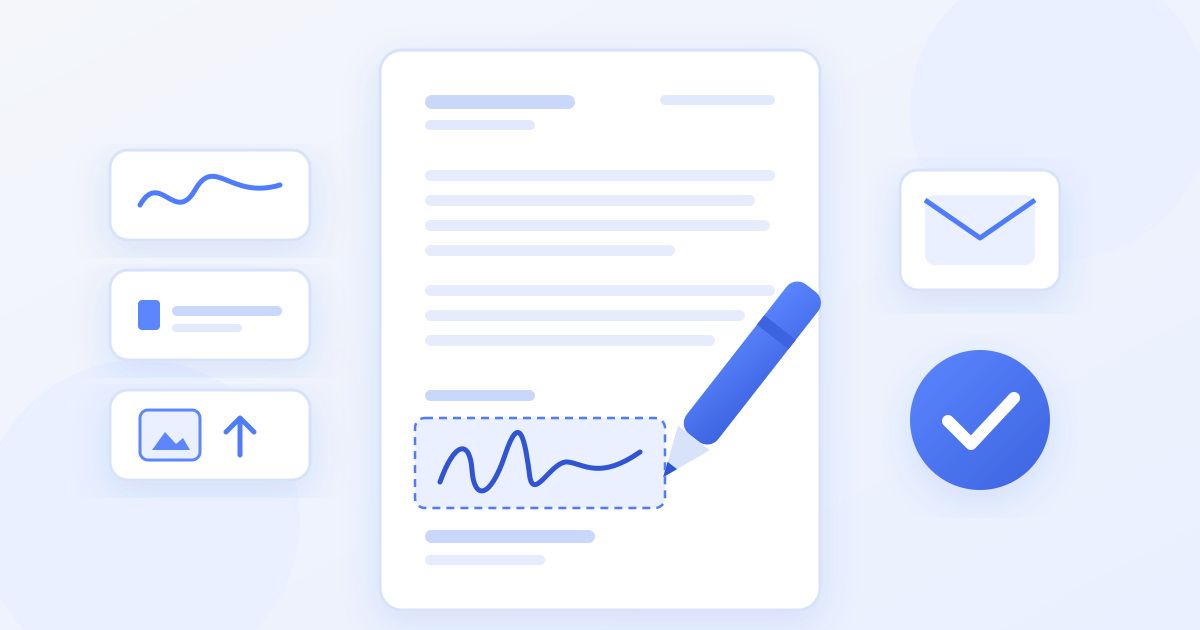
- Create your signature. Draw it with a mouse, trackpad or finger, type your name and pick one of six cursive fonts, or upload a photo of your handwritten signature. You can choose the pen colour, including black and blue.
- Place it on the signature line. Drag the signature onto the right spot and resize it so it sits neatly on the line or in the box marked for it.
- Add the date. Place a date next to your signature and pick the format your business uses.
- Download the signed PDF. Check every page once more before you send it.
- Send it back to the email address or portal the PO came from, and file a copy with the order records.
If the PO has an approval box on one page and an acceptance box on another, place a signature on each; you can position signatures anywhere on any page. The how it works page walks through the same three steps.
What Docsigns adds, and what it does not
Being clear about this saves a round trip with the other side. Docsigns places signatures and dates on a document. It does not add free-text fields, so it will not fill in your printed name, job title, a PO reference or a changed quantity. If the PO has blank lines for those, fill them in before signing, either in the software that generated the PO or by editing the Word version, or ask the sender to issue a corrected copy.
Docsigns also does not send the document to other people for signature, track who has signed, or keep a copy for you. It is a signer, not a workflow system: you sign, download, and send the file yourself. For most single purchase orders that is all that is needed.
What to check before you sign a PO
Most PO disputes come from details nobody read closely. Before your signature goes on, confirm:
- Your company's details and theirs. Legal names, billing and delivery addresses, tax or VAT numbers if your country requires them on purchase documents.
- Line items. Product codes or descriptions, quantities, units (boxes or pieces?), unit prices and currency.
- Totals. Subtotal, discounts, tax and shipping. Add them up yourself rather than trusting the bottom line.
- Delivery terms. Date, location and who pays for shipping and bears the risk in transit.
- Payment terms. When payment is due (for example, within 30 days of invoice), any deposit, and late-payment conditions.
- The terms and conditions. Many POs say they are governed by the buyer's standard terms, printed on the back or linked from the footer. If you are the supplier and those conflict with your own terms, raise it before you sign rather than after.
- Your authority. Only sign if you are allowed to commit your company to an order of this size. If you are signing for a colleague, the Docsigns blog has a separate guide to signing on behalf of someone else.
If anything is wrong, do not correct it by hand on the signed copy. Ask for a revised PO with a new revision number, so there is only ever one version both sides have signed.
Is an electronic signature on a PO valid?
For most everyday business agreements, including routine purchase orders, electronic signatures are generally accepted under laws such as the ESIGN Act and UETA in the United States and the eIDAS Regulation in the European Union, with equivalents in many other countries. A drawn, typed or uploaded signature on a PDF is a simple electronic signature.
There are limits. Some contracts and sectors require more: certain government purchasing, regulated industries and some very high-value agreements may call for an advanced or qualified electronic signature backed by a certificate from a trust service provider. Docsigns produces an electronic signature, not a qualified digital signature, so if a buyer's or supplier's procurement rules specify a certificate-based signature, use a service that provides one. When in doubt, ask the other party what they accept before you sign.
Keeping the signed PO safe
When you sign a PDF with Docsigns, the signing happens in your browser and the PDF is not uploaded. A DOC or DOCX file is different: it is converted to PDF on a server first, and then signed. If your PO is a Word file and your company is strict about where documents go, export it to PDF in Word before signing.
After signing, store the PDF with the rest of the order: the quote, the PO, delivery notes and the invoice. That trail is what makes three-way matching (checking the PO, the delivery and the invoice against each other) quick when the invoice arrives. There is more about the product itself on the about page.
Frequently asked questions
Does a purchase order have to be signed?
Not always. Many POs are issued from accounting software without a signature and accepted when the supplier ships. A signature is common when the buyer's policy requires approval above a certain value, or when the supplier wants a signed order before starting work.
Who signs a purchase order, the buyer or the supplier?
Usually the buyer signs to approve and issue the PO. Some suppliers also sign and return it as an acknowledgment that they accept the order as written. Only sign if you are authorised to commit your company to that order.
How do I sign a purchase order that was emailed to me?
Download the attachment, upload it to an online signer such as Docsigns, draw, type or upload your signature, place it and the date on the signature line, then download the signed PDF and reply to the email with it attached.
Is an electronic signature on a purchase order valid?
For most everyday business agreements, including routine POs, electronic signatures are generally accepted under laws such as ESIGN, UETA and eIDAS. Some regulated or high-value purchases require a certificate-based qualified signature, so check what the other party accepts. This is general information, not legal advice.
Can I change the quantity or price on a PO before signing it?
Do not change a PO by hand and sign it. Ask the sender for a revised PO with a new revision number, so both sides sign the same version. Docsigns adds signatures and dates only, not text edits.
Can I sign a purchase order on my phone?
Yes. Docsigns works in a phone browser: upload the PO, draw your signature with your finger or type it, place it with the date, and download the signed PDF to share by email.